
KVM Series
USB KM Extender over CAT6
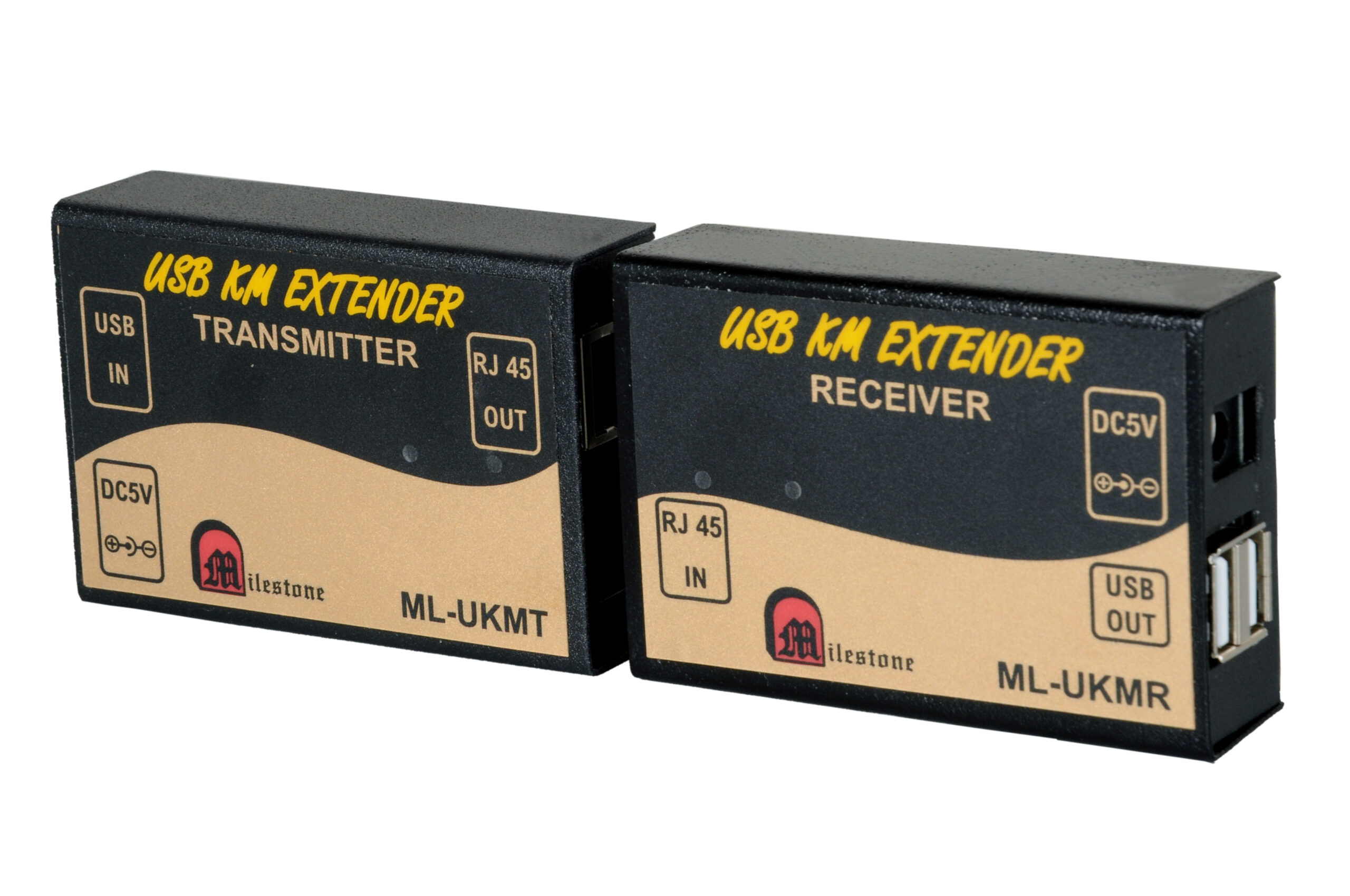
The ML-UKMT and ML-UKMR extender set transmits USB keyboard and mouse signals over a single CAT6 cable, extending the connection up to 150 metres while maintaining full USB 2.0 compatibility for both wired and wireless input devices.
- Extends USB keyboard and mouse signals up to 150 metres over CAT6 cable
- Compatible with all USB 2.0 keyboards and mice, wired or wireless
- Standard IEEE-568B CAT6 cable, no specialist cabling required
- Plug and play installation with no software or drivers needed
- Two-unit system: one transmitter at the source, one receiver at the user end
Max Resolution
1080p Full HD
Audio Input
Stereo Analogue
Output
Single HDMI
- In-house manufactured
- 2,000+ clients served
- In-house manufactured
- 24hr response
- 2,000+ clients served
Product Overview
What the ML-UKMT and ML-UKMR deliver
The ML-UKMT and ML-UKMR USB KM Extender is a two-unit system designed to transmit keyboard and mouse signals over standard CAT6 cable. The transmitter unit connects to the host computer at the source end, while the receiver unit is placed at the user’s workstation, with both units linked by a single CAT6 cable run of up to 150 metres.
The extender supports all USB 2.0 keyboards and mice, including wireless variants that use a USB dongle receiver. This makes the system suitable for a wide range of input device types without requiring specific hardware procurement or device configuration.
Installation is plug and play, requiring no software or driver installation. The transmitter takes its power via the USB connection to the host computer, while the receiver unit is powered separately through a 5V/1A power socket. LED indicators on both units provide real-time confirmation of power status and active data transfer.
By using standard IEEE-568B CAT6 cabling, the extender integrates cleanly into structured cabling installations already present in most commercial and industrial facilities. This eliminates the cost and complexity of running dedicated cables for keyboard and mouse connectivity.
Model (RX)
Need a quote?
Our team responds within 24 hours with a tailored quote for your project or bulk order.
Key Features
Reliable USB KM extension over CAT6
Keyboard and mouse signals transmitted over a single CAT6 cable, with full USB 2.0 compatibility and stable performance up to 150 metres.
150 Metre USB Extension over CAT6
The ML-UKMT and ML-UKMR extend USB keyboard and mouse signals up to 150 metres using a single CAT6 cable. This removes the physical limitation of standard USB cable lengths and allows the source computer to be housed separately from the user's workspace.
- Transmits USB signals up to 150 metres over CAT6
- Eliminates the 5-metre limitation of standard USB cables
- Single CAT6 run carries all signal data between units
Full USB 2.0 Keyboard and Mouse Compatibility
The extender is compatible with all USB 2.0 keyboards and mice, including both wired and wireless models. Wireless input devices that use a USB dongle are fully supported, making the system versatile across a broad range of standard office and industrial input hardware.
- Works with all USB 2.0 keyboard and mouse devices
- Supports wireless keyboard and mouse with USB dongle receivers
- No restrictions on input device brand or model
Plug and Play Setup
The extender is designed for easy plug and play installation. No software, drivers, or configuration steps are required. Connect the transmitter to the source computer via USB, link both units with a CAT6 cable, and attach the keyboard and mouse to the receiver. The system is immediately operational.
- No driver installation or software setup required
- Operational immediately after physical connection
- Reduces deployment time and technical complexity on site
LED Status Indication on Both Units
Both the transmitter and receiver units feature LED indicators that display power status and active data transfer in real time. This allows installers and operators to confirm that the system is functioning correctly at a glance, without requiring any diagnostic tools or software.
- Power and data transfer LEDs on both TX and RX units
- Immediate visual confirmation of operating status
- Aids quick fault identification during installation and operation
Standard IEEE-568B CAT6 Cabling
The system uses standard IEEE-568B CAT6 cable, which is widely deployed as part of structured cabling infrastructure in offices, industrial facilities, and commercial buildings. In many installations, existing CAT6 runs can be used directly, avoiding the need for additional cabling work.
- IEEE-568B standard CAT6 cable, no proprietary cabling required
- Compatible with existing structured cabling in most facilities
- Reduces installation cost where CAT6 infrastructure is already in place
Dual USB Output at the Receiver
The ML-UKMR receiver provides two USB output ports, allowing a keyboard and a mouse to be connected simultaneously without requiring a USB hub. This simplifies the user-end setup and ensures clean, direct connectivity for both input devices at the remote workstation.
- Two USB output ports on the receiver unit
- Connect keyboard and mouse simultaneously without a hub
- Clean single-unit installation at the user end
Installation
Simple two-unit connection over CAT6
The ML-UKMT and ML-UKMR require no software or configuration. Physical connection of the two units via a CAT6 cable is all that is needed to extend USB keyboard and mouse signals up to 150 metres.
01
Connect the Transmitter at the Source
Connect the USB cable from the ML-UKMT transmitter to an available USB port on the host computer. The transmitter draws its operating power directly from the USB connection, so no separate power supply is required at the source end. Once connected, the power LED on the transmitter will illuminate to confirm the unit is active.
02
Run CAT6 Cable Between Units
Connect one end of a standard CAT6 cable (IEEE-568B) to the RJ45 port on the ML-UKMT transmitter. Route the cable to the user's workstation location and connect the other end to the RJ45 input on the ML-UKMR receiver. The maximum supported cable run is 150 metres.
03
Power and Connect the Receiver
Connect the ML-UKMR receiver to a 5V/1A power source using the power socket on the unit. Once powered, the receiver's LED indicators will confirm its active status. Connect the USB keyboard and mouse to the two USB output ports on the receiver. Both devices will be immediately recognised by the host computer.
04
Verify Operation via LED Indicators
Both the ML-UKMT and ML-UKMR display separate LEDs for power and data transfer. When keyboard or mouse activity is detected, the data transfer LED will activate on both units. No driver installation or software configuration is required at any stage. The system is ready for use immediately after all physical connections are made.


Where the ML-UKMT and ML-UKMR perform
Designed for environments where keyboard and mouse control must be extended over long distances, with the source computer kept separate from the user’s physical workspace.
Server Room and Data Centre Access
Place host computers or servers in a secured equipment room while allowing operators to work from a standard workstation up to 150 metres away. Eliminates the need for operators to be physically present in the server room for keyboard and mouse access.
Control Room Installations
Extend keyboard and mouse control from computers housed in equipment racks to operator consoles in control rooms. Keeps processing hardware centralised and away from the operator environment, while maintaining full input device responsiveness at the console.
Educational Institutions
Extend USB keyboard and mouse access from a central computer lab server to individual student workstations. Simplifies hardware management and allows computing resources to be located centrally while students interact from their own desk positions.
Corporate Presentation Environments
Allow presenters to operate a computer installed in an AV rack or equipment cabinet from a podium or presentation desk in the same room. Keeps the presentation source hardware out of sight while providing full keyboard and mouse control at the presenter's position.
Industrial and Manufacturing Environments
Separate computing hardware from shop floor or production environments where dust, heat, or vibration is a concern. Operators on the production floor can use a keyboard and mouse at their workstation while the host computer remains in a protected equipment enclosure.
Digital Signage and Kiosk Management
Manage digital signage players or kiosk computers remotely from a back-office workstation. The extender allows content updates and system management via keyboard and mouse from a convenient operator location, while the media player hardware remains at the display site.
Full specification sheet
- Transmitter (ML-UKMT)
- Receiver (ML-UKMR)
- Signal and Cabling
- General
FAQs about the USB KM Extender
What does the USB KM Extender do?
The ML-UKMT and ML-UKMR USB KM Extender transmits USB keyboard and mouse signals from a host computer to a remote workstation over a standard CAT6 cable. The transmitter connects to the host computer via USB at the source end, and the receiver is placed at the user’s desk up to 150 metres away. This allows the computer hardware to remain in a separate location while the user operates it using a keyboard and mouse connected to the receiver.
How far can the USB KM Extender transmit signals?
The extender supports a maximum transmission distance of 150 metres when using CAT6 cable. Both the transmitter and receiver units are rated for this distance. The cable used must conform to the standard IEEE-568B specification to ensure reliable performance across the full 150-metre range.
Does the extender support wireless keyboards and mice?
Yes. The extender is compatible with wireless keyboards and mice that connect to the computer via a USB dongle receiver. The USB dongle is plugged into one of the USB output ports on the ML-UKMR receiver unit. The wireless keyboard and mouse then communicate with the dongle at the receiver end, and the signal is carried back to the host computer through the CAT6 link as with any other USB device.
Is any software or driver installation required?
No. The USB KM Extender is plug and play. No software installation, driver setup, or system configuration is required on the host computer. Once the transmitter is connected to the host computer’s USB port, the CAT6 cable is run between the two units, and the keyboard and mouse are connected to the receiver, the system operates immediately without any additional steps.
How many USB devices can be connected at the receiver end?
The ML-UKMR receiver provides two USB output ports, allowing a keyboard and a mouse to be connected simultaneously without requiring an additional USB hub. This accommodates a standard workstation input device setup directly at the receiver unit.
What type of cable is required and does it need to be purpose-made?
The extender requires standard CAT6 cable conforming to the IEEE-568B specification. This is a widely available cable type used in structured network cabling installations in offices, campuses, and commercial facilities. No proprietary or specialist cable is required. In many installations, existing CAT6 cable runs can be used directly, reducing installation cost and time.
How is the receiver unit powered?
The ML-UKMR receiver requires an external 5V/1A power supply connected to its dedicated power socket. The transmitter, by contrast, draws its power directly from the USB port on the host computer and does not require a separate power source. A suitable 5V/1A power adapter must therefore be available at the receiver end of the installation.
Can CAT5 cable be used instead of CAT6?
The RJ45 ports on both the transmitter and receiver units accept CAT5 or CAT6 cable. However, for reliable performance at the full 150-metre range, CAT6 cable is specified and recommended. CAT5 cabling may be used in shorter runs, but the 150-metre distance rating is confirmed specifically for CAT6. For critical installations, using CAT6 is advisable to ensure stable signal transmission across the full operating distance.
Products you may also need
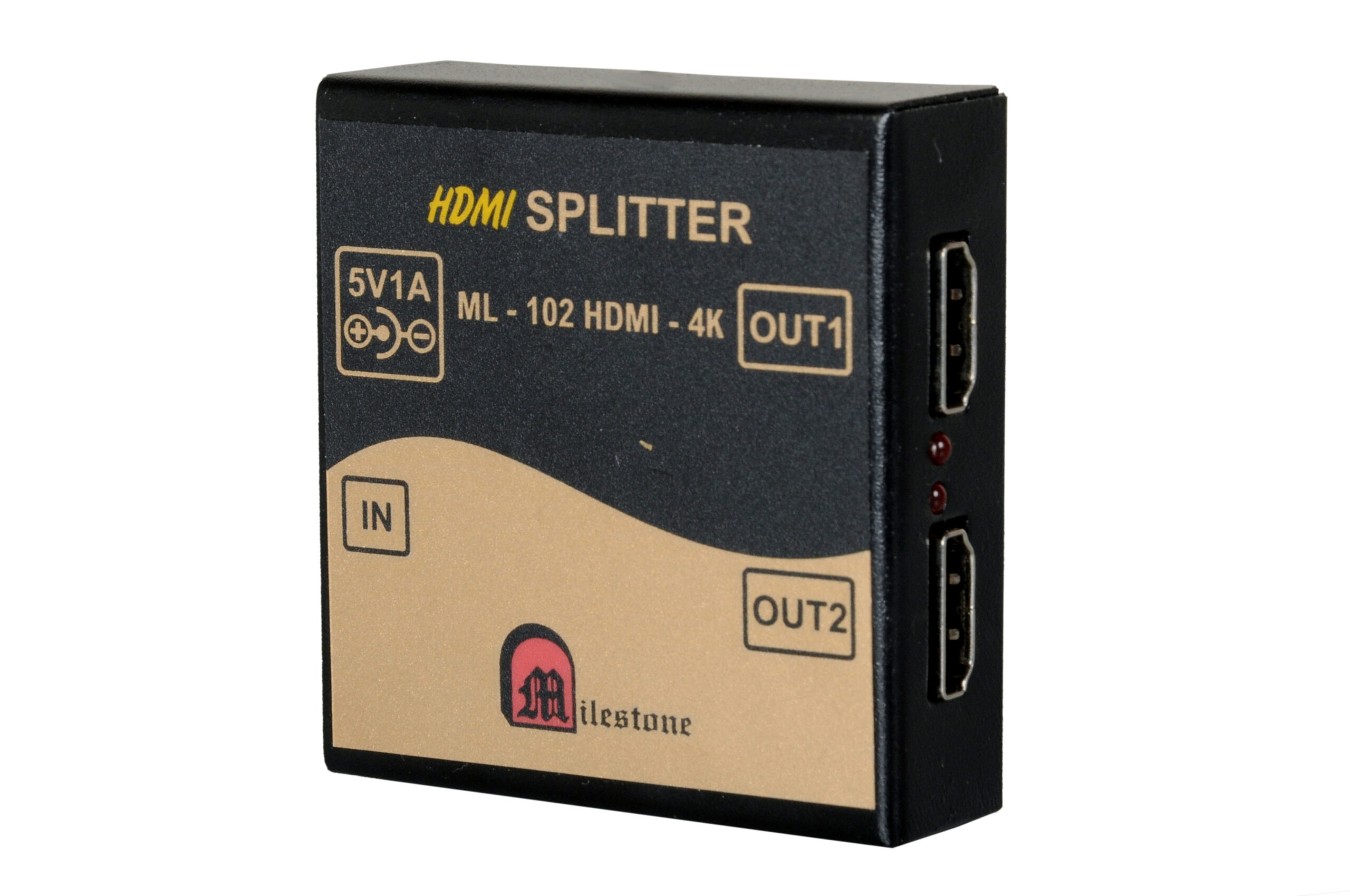
The ML-102HDMI-4K is a professional 1x2 HDMI splitter that distributes a single HDMI source...
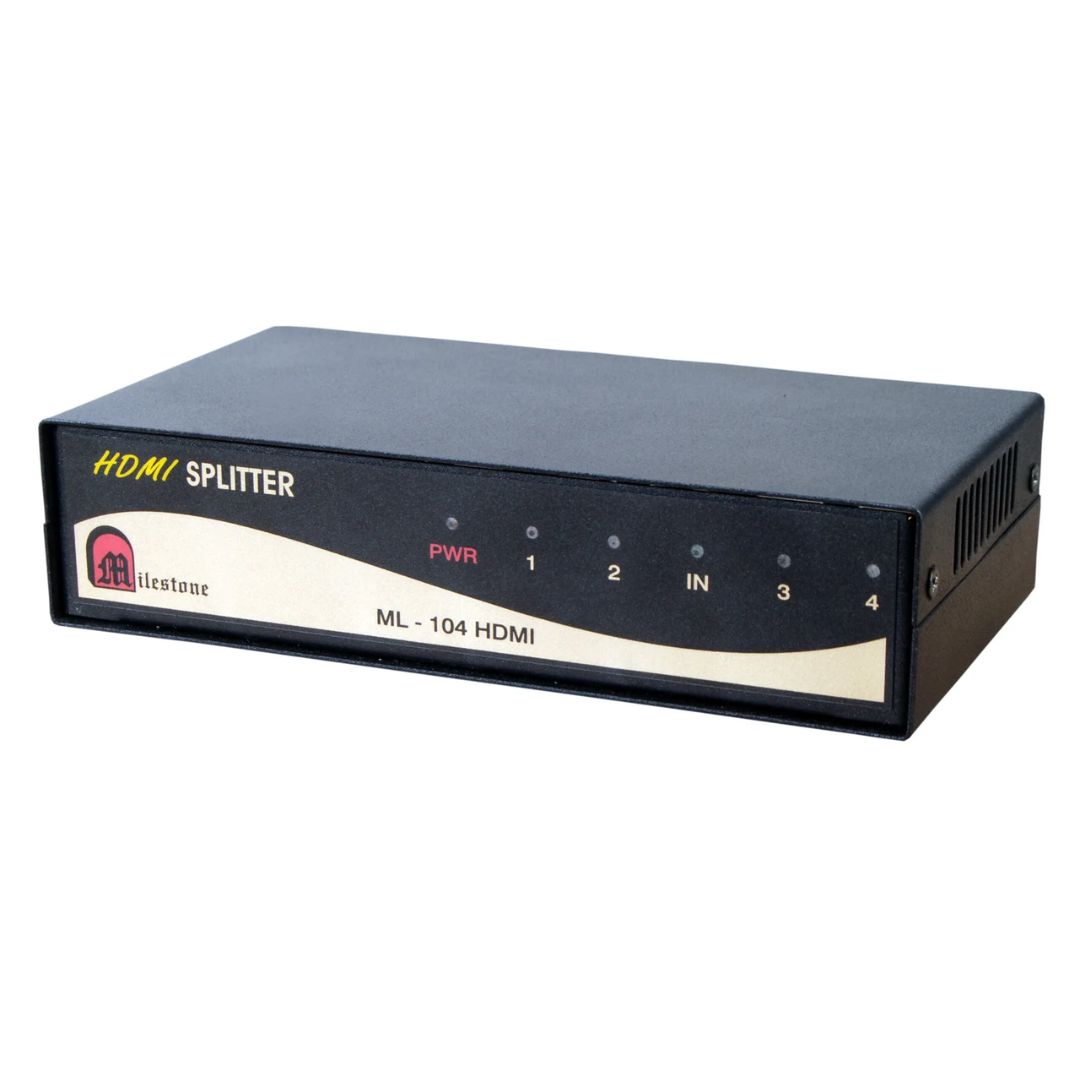
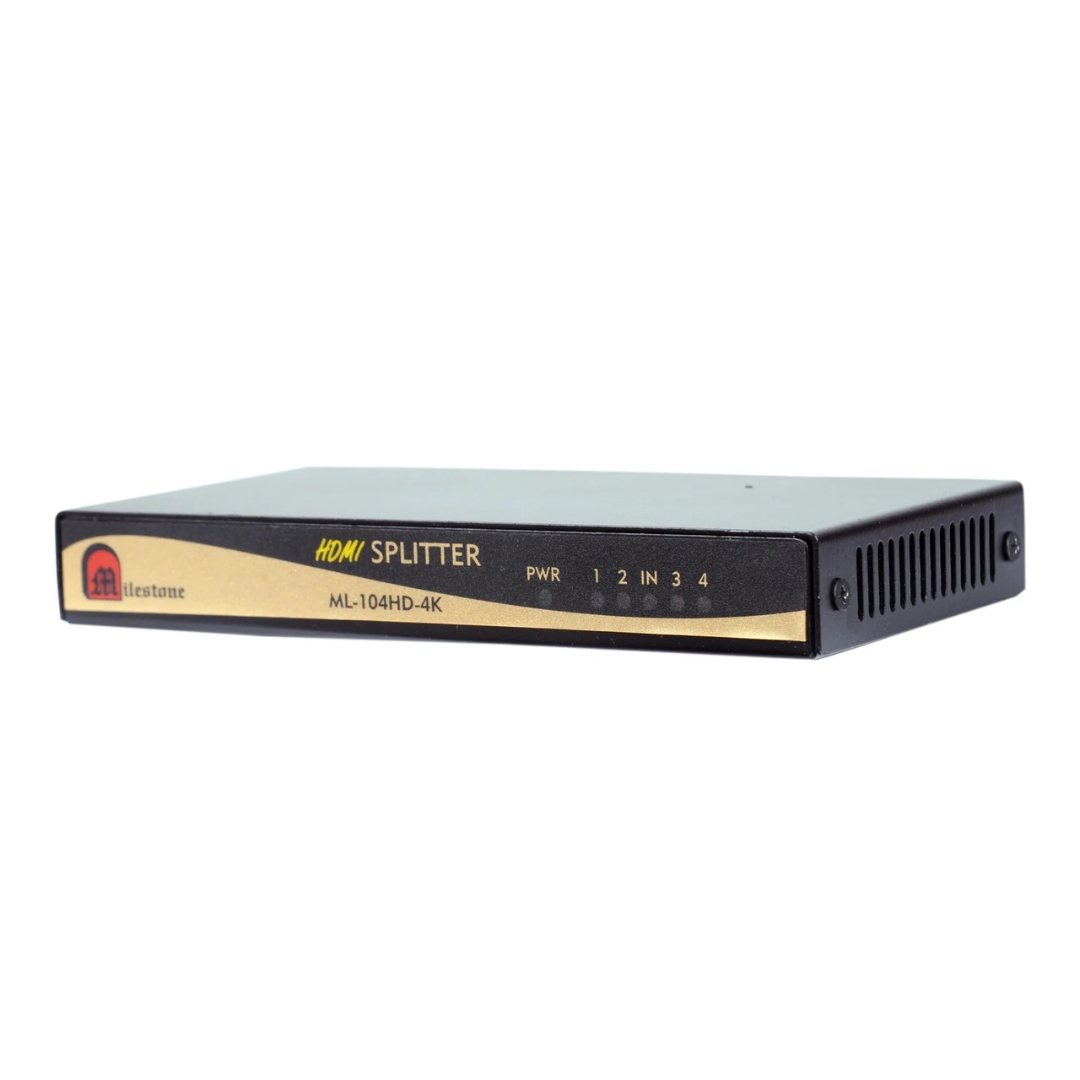
The ML-104HDMI-4K is a professional 1x4 HDMI splitter that distributes a single HDMI source...
Ready to order or have a specific requirement?
Our team responds within 24 hours. Bulk pricing, custom solutions, and pan-India delivery are available. Talk to an engineer directly about your setup.