
USB Series
USB Extender over CAT6 Cable
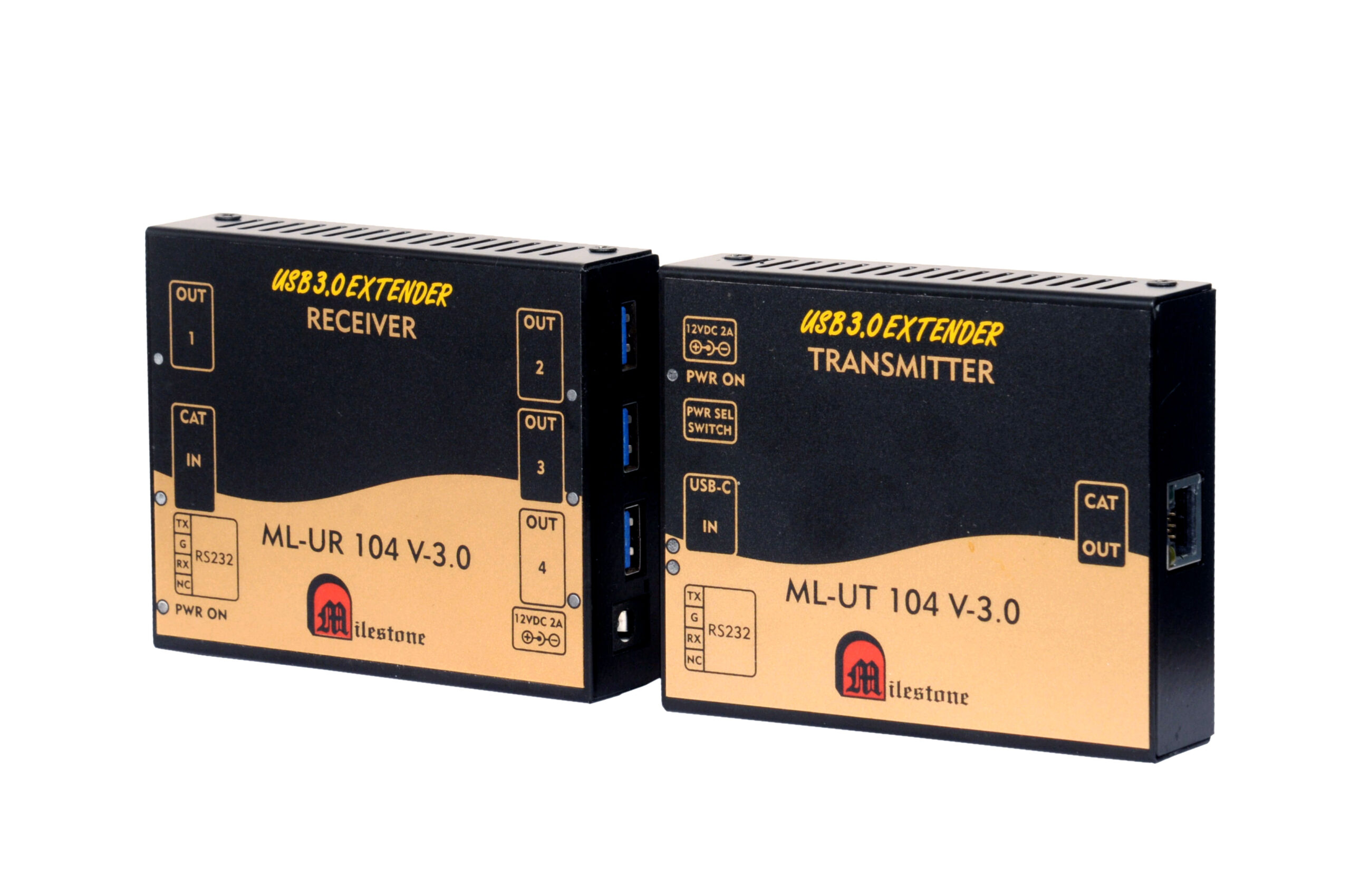
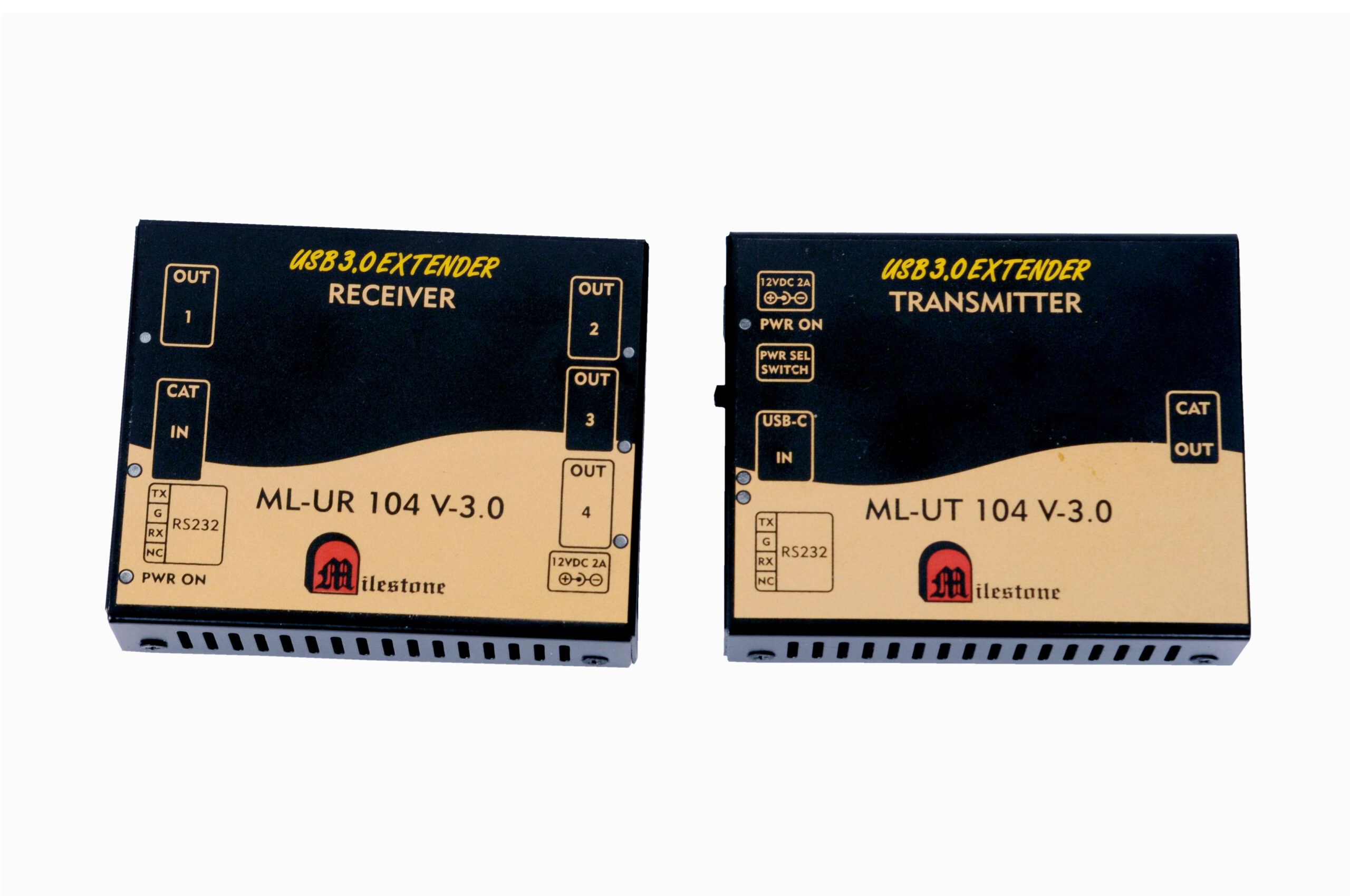
The ML-UT104V and ML-UR104V extender set transmits USB 2.0, 1.1, and 1.0 signals over a single CAT6 cable to a distance of 60 metres, enabling USB devices such as cameras, printers, touch panels, pen drives, keyboards, and mice to be operated far from their host system.
- Extends USB signals up to 60 meters over a standard CAT6 cable
- Compatible with USB 2.0, 1.1, and 1.0 devices
- Supports a wide range of USB peripherals including cameras, printers, touch panels, pen drives, keyboards, and mice
- Plug-and-play installation with no drivers or software required
- Receiver unit provides four USB output ports for connecting multiple devices
Max Resolution
1080p Full HD
Audio Input
Stereo Analogue
Output
Single HDMI
- In-house manufactured
- 2,000+ clients served
- In-house manufactured
- 24hr response
- 2,000+ clients served
Product Overview
What the ML-UT104V and ML-UR104V deliver
The ML-UT104V and ML-UR104V form a two-unit USB extender system that allows USB signals to be transmitted over standard CAT6 cable to distances of up to 150 metres. The transmitter unit connects to the USB host, and the receiver unit is placed at the remote location where USB devices need to be used. The two units communicate over a single CAT6 cable conforming to the IEEE-568B standard.
The system is compatible with USB 2.0, 1.1, and 1.0, making it suitable for a broad range of USB peripherals. Devices such as cameras, printers, touch panels, pen drives, keyboards, and mice can all be connected and operated remotely through the receiver. The receiver unit provides four USB output ports, allowing multiple devices to be used simultaneously at the remote end.
Installation is straightforward. The system operates on a plug-and-play basis, with no additional drivers or configuration software required. Both units feature LED indicators for power and data transfer status, providing a clear visual confirmation of operating condition during use.
The receiver unit requires a 5V, 1A power supply, while the transmitter draws its power directly from the connected USB host. This arrangement simplifies deployment in environments where the transmitter is installed close to an existing USB source device and the receiver is located at the point of use.
Model (RX)
Need a quote?
Our team responds within 24 hours with a tailored quote for your project or bulk order.
Key Features
Reliable USB extension over CAT6
USB 2.0, 1.1, and 1.0 signals transmitted over a single CAT6 cable up to 150 metres, with plug-and-play simplicity and support for a wide range of peripherals.
150 Metre USB Extension over CAT6
The extender transmits USB signals up to 60 meters using a standard CAT6 cable, eliminating the distance limitations inherent to native USB connections. This allows USB host systems and peripheral devices to be physically separated across large buildings or between rooms.
- Up to 60 meters over a single CAT6 cable
- Uses standard IEEE-568B CAT6 cable
- Works with existing structured cabling infrastructure
USB 2.0, 1.1, and 1.0 Compatibility
The system is compatible with all three major USB generations, including USB 2.0, 1.1, and 1.0. This broad compatibility ensures that a wide variety of USB peripherals can be used without concern for version mismatch or device-specific limitations.
- Full compatibility with USB 2.0, 1.1, and 1.0 standards
- Supports cameras, printers, touch panels, pen drives, keyboards, and mice
- No device-specific restrictions for standard USB peripherals
Four USB Output Ports on Receiver
The ML-UR104V receiver unit provides four USB output ports, allowing multiple USB devices to be connected and operated simultaneously at the remote location. This is particularly useful in deployments where several peripherals need to be available at a single workstation or installation point.
- Four USB output ports on the receiver unit
- Multiple peripherals can operate concurrently at the remote end
- Reduces the need for additional USB hubs at the remote location
Plug-and-Play Installation
The ML-UT104V and ML-UR104V are designed for plug-and-play operation. No drivers, configuration software, or specialist setup procedures are required. Connecting the units and the CAT6 cable is sufficient to bring the system into operation, minimising installation time and effort.
- No drivers or software installation needed
- Operational immediately upon connection
- Simple two-unit setup with one CAT6 cable between them
LED Status Indicators on Both Units
Both the transmitter and receiver units include LED indicators for power and data transfer status. These indicators provide immediate visual confirmation that the units are powered and that USB data is being transmitted, supporting quick fault-checking during installation and ongoing use.
- Power LED on both transmitter and receiver
- Data transfer LED on both units
- Enables quick status confirmation without additional diagnostic tools
Standard IEEE-568B CAT6 Cabling
The system uses standard IEEE-568B CAT6 cabling, which is commonly deployed as part of structured network infrastructure in offices and commercial buildings. This means the extender can often be installed using cabling already present in the facility, reducing the cost and complexity of new cable runs.
- Uses standard IEEE-568B CAT6 cable specification
- Compatible with existing structured network cabling
- No proprietary or specialist cable required
Installation
Simple two-unit connection over CAT6
The ML-UT104V transmitter and ML-UR104V receiver are connected by a single CAT6 cable. The installation process follows a straightforward sequence of connections at both ends.
01
Connect the Transmitter (ML-UT104V)
Connect the USB cable from the host computer or source system to the USB input of the ML-UT104V transmitter. Then connect one end of the CAT6 cable to the RJ45 output port on the transmitter. The transmitter is powered directly from the USB host and requires no separate power supply.
02
Connect the Receiver (ML-UR104V)
Connect the other end of the CAT6 cable to the RJ45 input port on the ML-UR104V receiver at the remote location. Connect the USB devices such as a camera, printer, touch panel, pen drive, keyboard, or mouse to any of the four USB output ports on the receiver. Connect the 5V, 1A power supply to the receiver's power socket to complete the setup.


Where the ML-UT104V and ML-UR104V perform
Designed for professional environments where USB peripherals need to be operated at a distance from the host system, across a range of commercial and industrial installations.
Centralised Computing Environments
In setups where computers or servers are housed in a central equipment room, the extender allows USB peripherals such as keyboards, mice, and storage devices to be operated from a workstation located up to 60 meters away.
Security and Surveillance Installations
Extend USB cameras from a central recording or monitoring station to remote locations within a building or facility. The 60 meters reach makes it practical to deploy cameras across large floor areas or between separate buildings connected by structured cabling.
Educational Institutions
Allow USB peripherals in classrooms or labs to connect to systems housed in a central server or equipment room. Printers, touch panels, and input devices can be shared across multiple points while keeping the host hardware secured in one location.
Interactive Kiosks and Touch Panels
Connect USB touch panels installed at public-facing kiosks to host computers placed in a secure back-of-house location. The extender maintains a stable USB connection across the full installation distance without any driver changes or system reconfiguration.
Retail and Point-of-Sale Environments
Extend USB barcode scanners, receipt printers, and input devices from a central point-of-sale system to registers or service counters located away from the main hardware. A single CAT6 run replaces the need for long USB cable runs across the floor.
Industrial and Manufacturing Facilities
Deploy USB-connected devices such as pen drives and input terminals on production floors while keeping the host computer or controller in a protected equipment enclosure. The extender operates over the same CAT6 cabling used for network infrastructure in industrial environments.
Full specification sheet
- Transmitter Unit (ML-UT104V)
- Receiver Unit (ML-UR104V)
- Signal Extension
- Installation
- Compatible Devices
FAQs about the USB Extender ML-UT104V and ML-UR104V
What is the ML-UT104V and ML-UR104V USB Extender used for?
The ML-UT104V and ML-UR104V are used to extend USB 2.0, 1.1, and 1.0 signals from a host computer to USB peripheral devices located up to 150 metres away. This is useful in environments where the host system and USB devices cannot be physically close to each other, such as when computers are housed in a centralised equipment room and peripherals need to be accessible at workstations or service points across the facility.
What types of USB devices are supported?
The extender works with all USB 2.0, 1.1, and 1.0 devices. Compatible peripherals include cameras, printers, touch panels, pen drives, keyboards, and mice. Any standard USB device that operates within these USB versions can be connected and used through the receiver unit.
What cable is required and how far can signals travel?
The extender uses a standard CAT6 cable conforming to the IEEE-568B specification. USB signals can be transmitted up to 150 metres over this cable. CAT6 cabling is widely used in structured network installations, so it is often already available in commercial and industrial facilities, reducing the need for new cable runs.
How many USB devices can be connected at the receiver end?
The ML-UR104V receiver provides four USB output ports. This allows up to four USB devices to be connected simultaneously at the remote location, reducing the need for additional USB hubs at the point of use.
Does the system require any drivers or special software to operate?
No. The ML-UT104V and ML-UR104V operate on a plug-and-play basis. No drivers, configuration software, or specialist setup is required. Connecting the transmitter to the USB host, linking the two units with a CAT6 cable, and connecting USB devices to the receiver is all that is needed to bring the system into operation.
What power supply does each unit require?
The transmitter unit (ML-UT104V) is powered directly from the connected USB host and does not require a separate power supply. The receiver unit (ML-UR104V) requires a 5V, 1A power supply connected to its power socket. This means only the receiver end needs a mains power source, which simplifies installation particularly when the transmitter is installed at a desktop or rack location where USB host power is already available.
Can I verify that the units are connected and working correctly?
Yes. Both the ML-UT104V transmitter and the ML-UR104V receiver include LED indicators for power and data transfer status. When the units are powered and USB data is being transmitted, these LEDs confirm active operation. This makes it straightforward to check the system status during installation or to diagnose connection issues without additional diagnostic equipment.
Can CAT5 cable be used instead of CAT6?
The RJ45 connectors on both units are labelled as compatible with CAT5/6 cable. However, the specified operating distance of 150 metres is achieved with CAT6 cable conforming to the IEEE-568B standard. Using CAT5 may result in reduced maximum transmission distance or degraded signal reliability. For dependable performance at the full 150 metre range, CAT6 cable is recommended.
Products you may also need
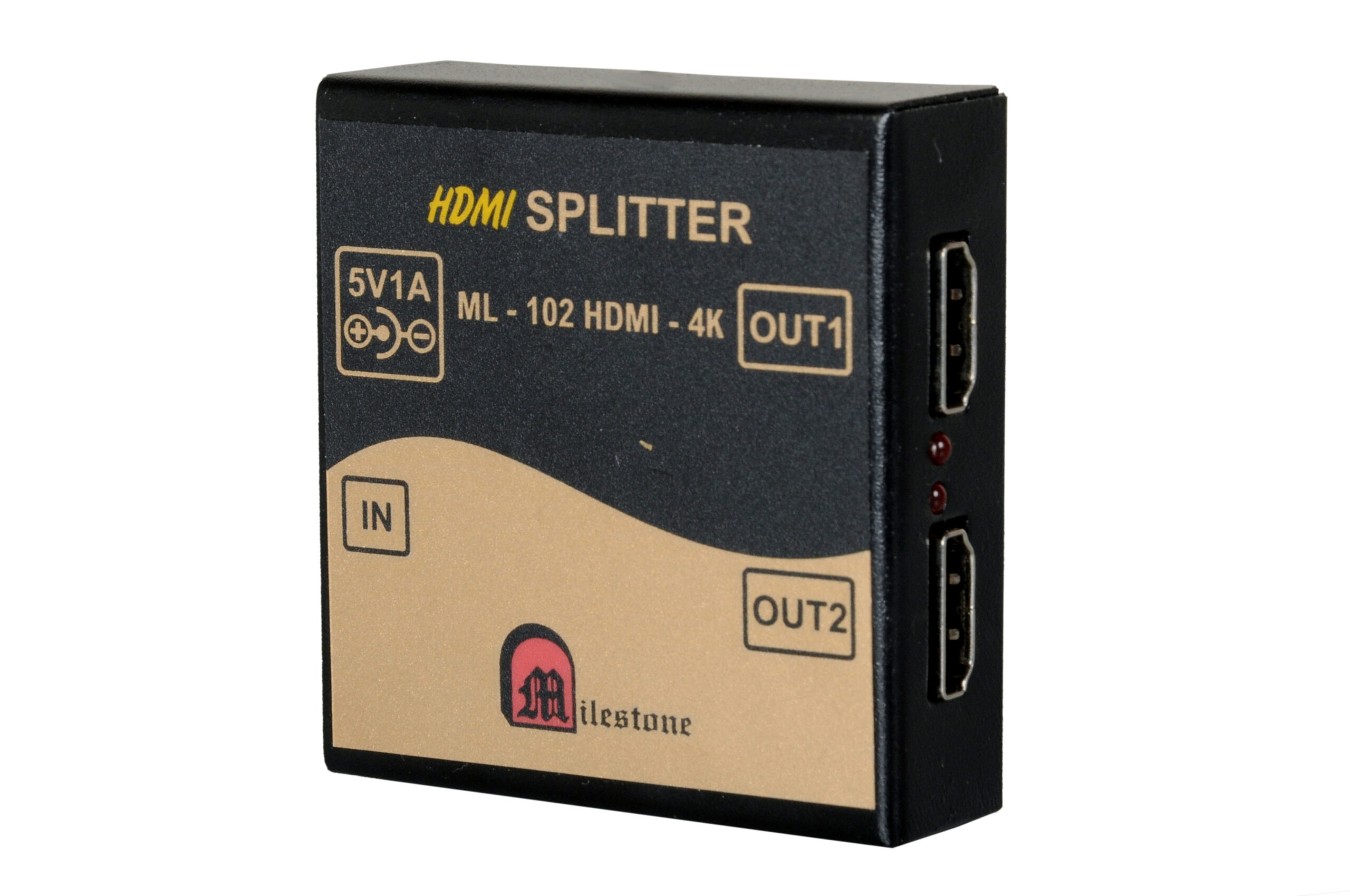
The ML-102HDMI-4K is a professional 1x2 HDMI splitter that distributes a single HDMI source...
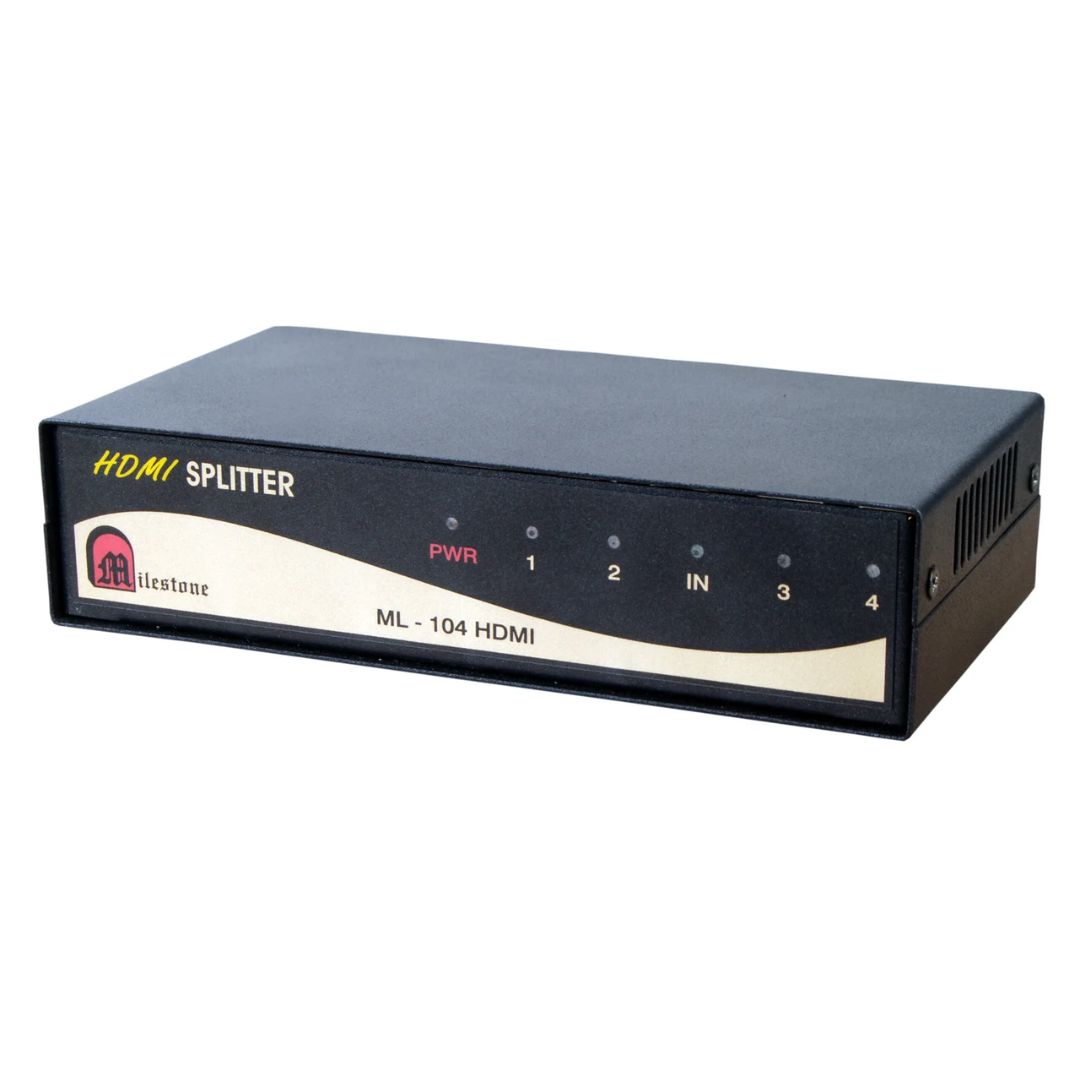
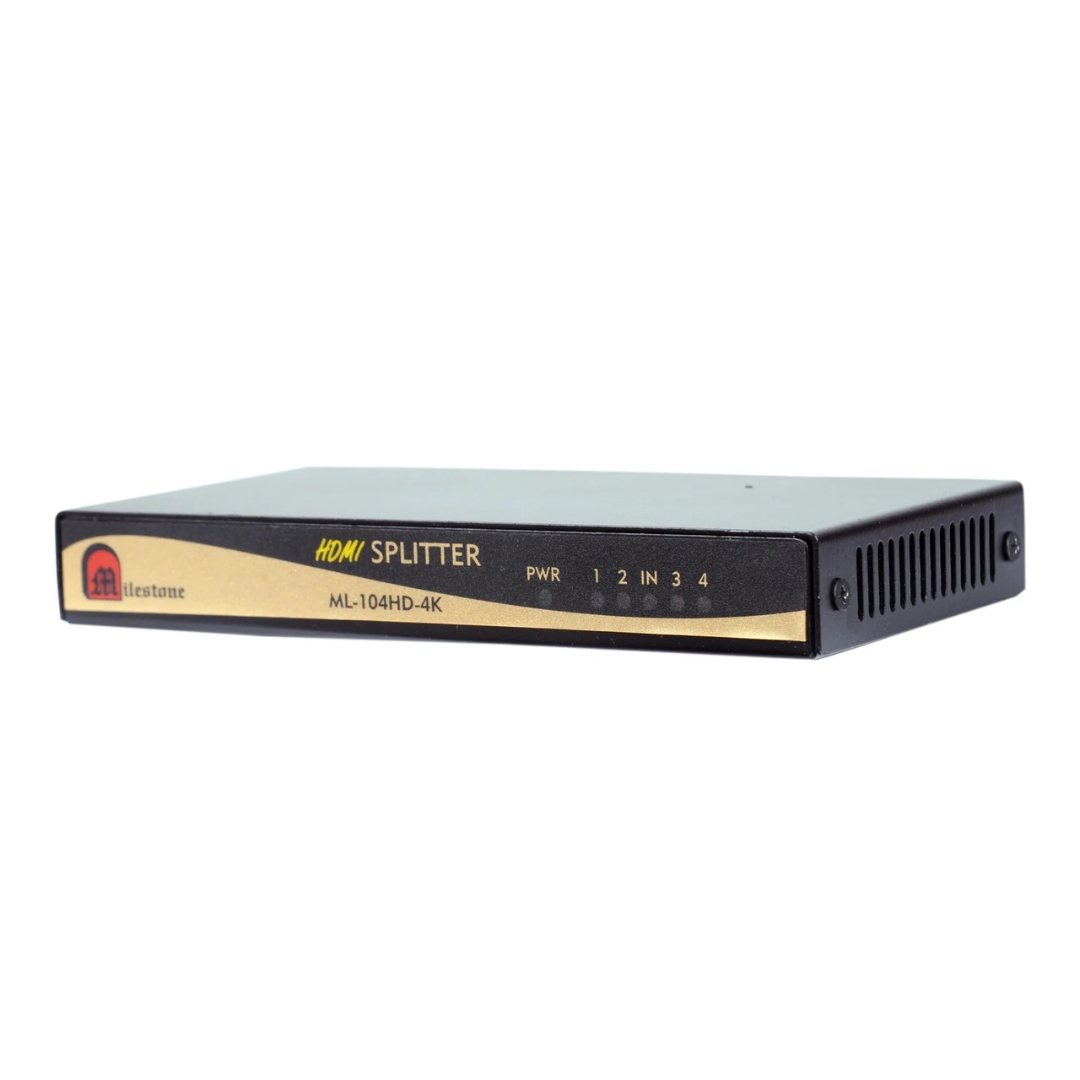
The ML-104HDMI-4K is a professional 1x4 HDMI splitter that distributes a single HDMI source...
Ready to order or have a specific requirement?
Our team responds within 24 hours. Bulk pricing, custom solutions, and pan-India delivery are available. Talk to an engineer directly about your setup.