
IT Products Series
4 IN 2 OUT USB Switcher with RS232 and IR Control
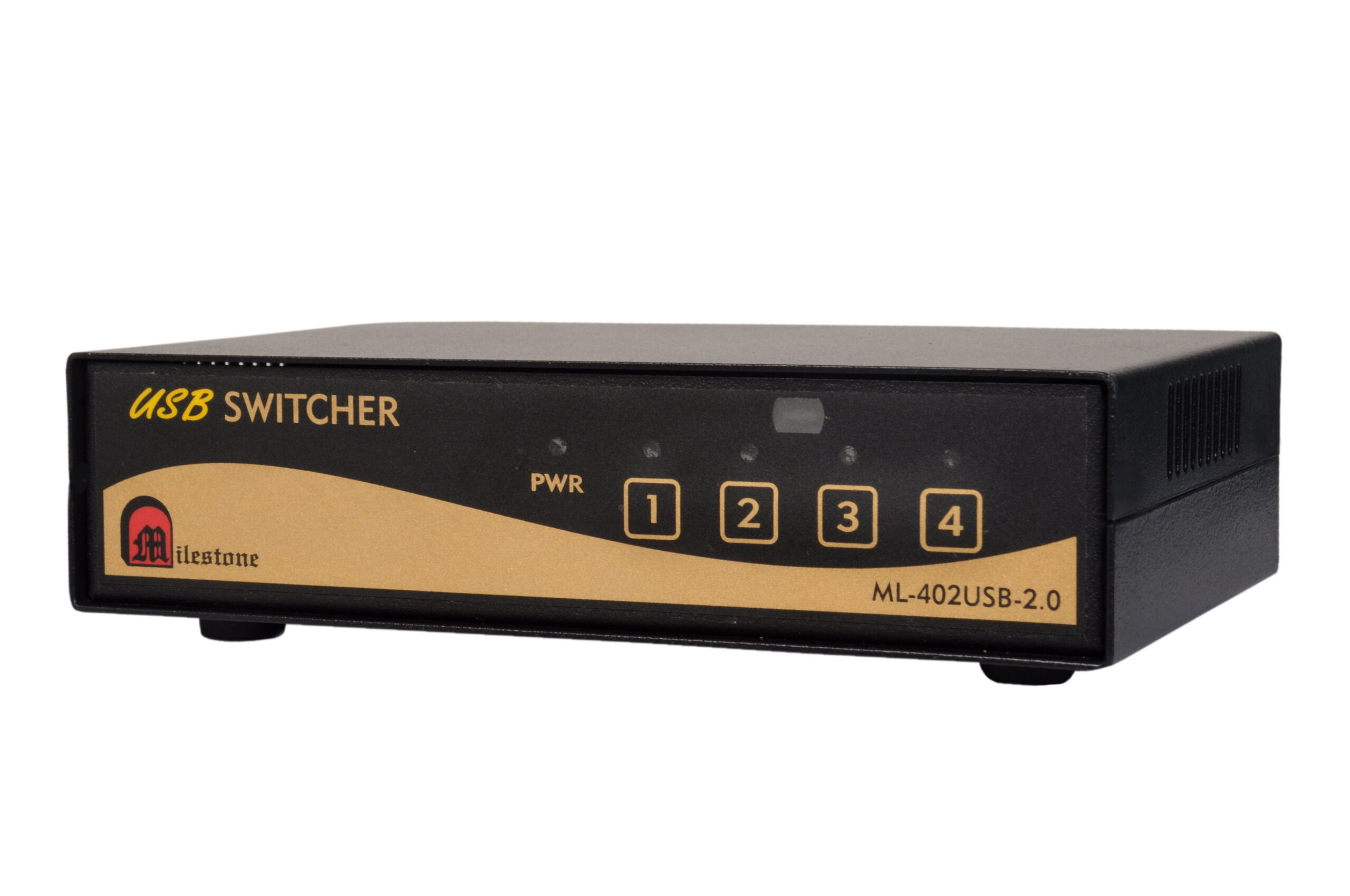
The ML-402USB-2.0 allows multiple computers or devices to share USB peripherals such as keyboards, mice, cameras, microphones, and pen drives across 4 USB 2.0 inputs and 2 buffered outputs. Channel selection is supported via front panel keypad, built-in IR remote, RS232 interface, and auto mode.
- 4 USB 2.0 inputs with 2 buffered USB outputs for shared peripheral access
- Four control modes: local keypad, IR remote, RS232 interface, and auto selection
- Built-in IR remote with a dedicated IR extender connector for remote sensor placement up to 30 metres
- RS232C interface for integration into external control systems with 9600 baud communication
- LED indication for each channel and power status
Max Resolution
1080p Full HD
Audio Input
Stereo Analogue
Output
Single HDMI
- In-house manufactured
- 2,000+ clients served
- In-house manufactured
- 24hr response
- 2,000+ clients served
Product Overview
What the ML-402USB-2.0 delivers
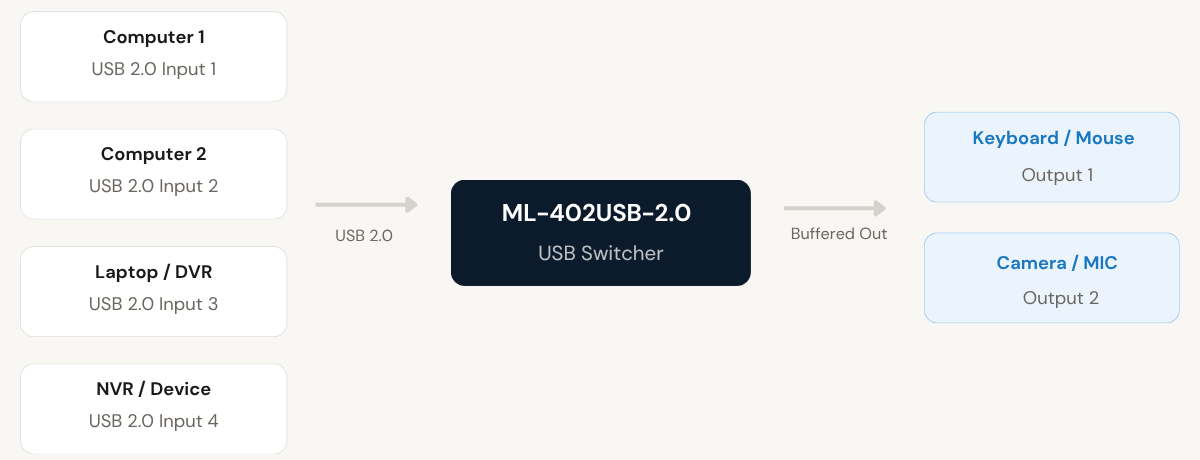
The ML-402USB-2.0 is a 4-input, 2-output USB switcher designed to allow shared access to USB 2.0 peripherals across multiple computers, laptops, DVD players, DVRs, NVRs, and similar devices. It enables a keyboard, mouse, camera, microphone, or pen drive to be shared between connected hosts without requiring any physical reconnection.
The unit supports four independent control modes: a front panel keypad for direct channel selection, a built-in IR remote for wireless operation, an RS232C interface for integration into room control or automation systems, and an automatic selection mode that activates the most recently connected input. These options give installers and end users complete flexibility in how the switcher is operated.
RS232 communication operates at 9600 baud with no parity, 8-bit data, and 1 stop bit. When a channel is selected via any method, the unit transmits the corresponding RS232 command via its Tx line, making it suitable for use in environments where channel status feedback is required.
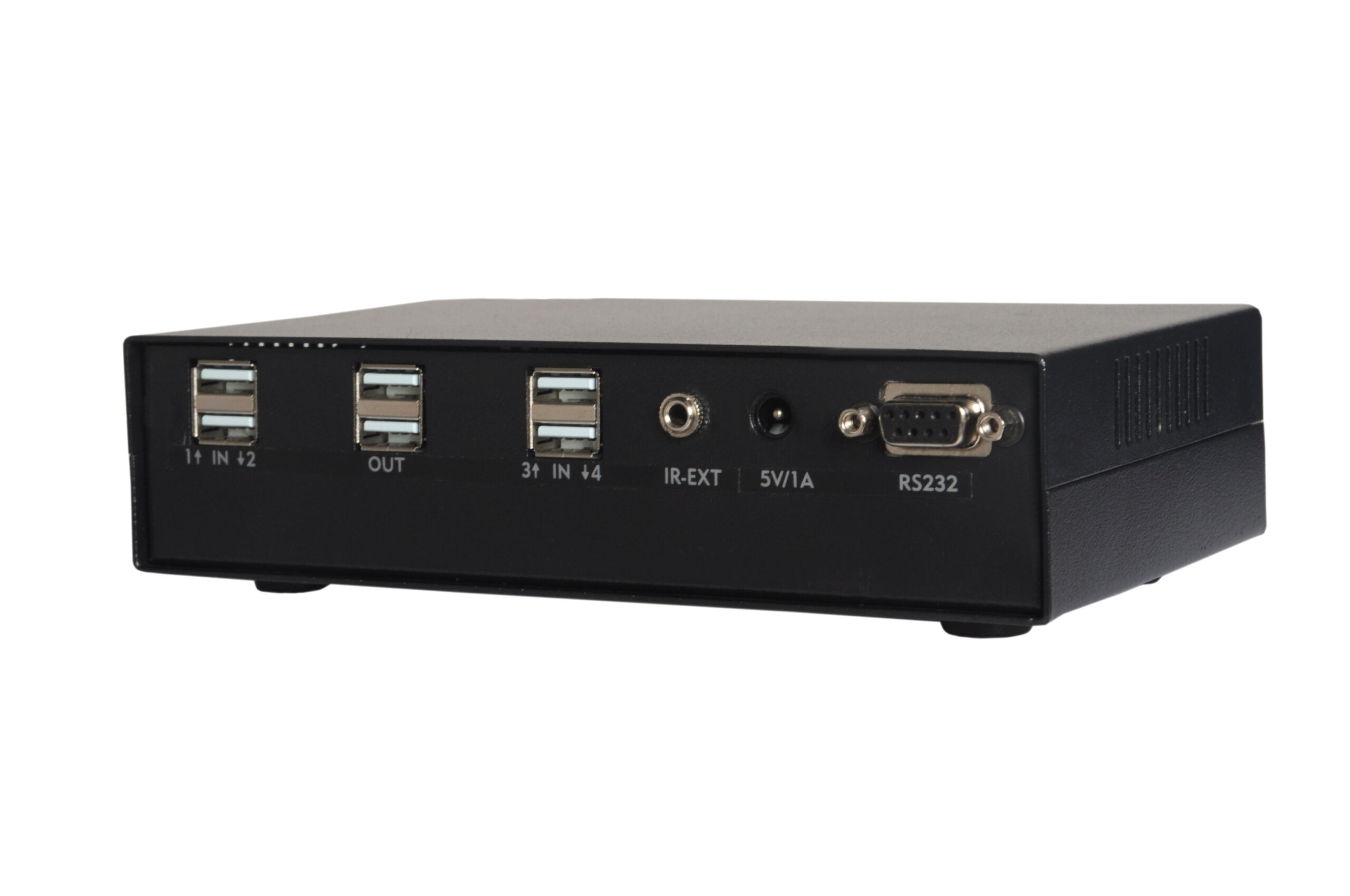
The rear panel includes a D9 female RS232 connector and an EP connector for connecting an external IR sensor cable. The IR sensor can be extended up to 30 metres, allowing the remote to be used from a distance. LED indicators on the front panel confirm the active channel and power status at a glance.
USB Inputs
Need a quote?
Our team responds within 24 hours with a tailored quote for your project or bulk order.
Key Features
Flexible USB peripheral sharing with full control options
4 USB 2.0 inputs, 2 buffered outputs, and four independent control methods including keypad, IR remote, RS232, and auto mode.
4 Inputs with 2 Buffered USB Outputs
The switcher connects up to 4 USB 2.0 source devices and routes the selected input to 2 buffered USB outputs simultaneously. This allows a keyboard, mouse, camera, microphone, or pen drive to be shared across multiple host systems without physical cable changes.
- Compatible with USB 2.0 ports
- Share peripherals including keyboard, mouse, camera, MIC, and pen drive
- Buffered outputs for stable signal delivery
Front Panel Keypad Selection
Channels 1 through 4 can be selected directly from the front panel keypad. This provides immediate manual control without requiring any additional equipment. Each key press activates the corresponding input and lights up the associated LED indicator to confirm selection.
- Individual key for each of the 4 channels
- Immediate response on key press
- Active channel confirmed by LED indicator
Built-in IR Remote with Extender Connector
The unit includes a built-in IR sensor on the front panel and is supplied with an IR-8 remote for wireless channel selection. An EP connector on the rear panel allows an external IR sensor cable to be connected and extended up to 30 metres, enabling remote control from positions far from the unit itself.
- IR-8 remote supplied with the unit
- Front panel IR sensor for direct remote use
- External IR sensor extendable up to 30 metres via EP connector
RS232C Interface for External Control
A D9 female RS232 connector on the rear panel enables channel selection from external control systems. Communication is at 9600 baud, no parity, 8-bit, 1 stop bit. When any channel is selected, the unit also transmits the corresponding RS232 command via its Tx line, providing status feedback to connected control systems.
- D9 female connector, Pin 2: Tx, Pin 3: Rx, Pin 5: GND
- Simple ASCII commands per channel (e.g. "1!" for Channel 1)
- Active channel status transmitted on Tx line
Auto Selection Mode
In auto mode, the switcher automatically activates the most recently connected input. If multiple inputs are connected, the last one connected takes priority. If the active input is disconnected, the unit falls back to the next available channel, starting from channel 1. This ensures continuous operation without manual intervention.
- Automatically selects the most recently connected input
- Falls back to the lowest available channel if active input is removed
- Eliminates the need for manual switching in unmanned setups
LED Indication and Plug-and-Play Installation
Individual LED indicators for channels 1 to 4 and a power LED provide clear visual confirmation of the operational state at all times. The unit is plug-and-play and requires no software or driver installation, making it straightforward to deploy in both new and existing setups.
- LED indicators for channels 1 to 4 and power
- Plug-and-play, no software installation required
- Table-top form factor with compact footprint
Installation
Connecting and configuring the ML-402USB-2.0
The unit supports plug-and-play installation across three operating modes. Connect source devices to the USB input ports, connect peripherals to the buffered outputs, and select the preferred control method.
01
Hardware Connection
Connect up to 4 USB 2.0 source devices (computers, laptops, DVRs, NVRs, DVD players) to the 4 input USB ports. Connect the shared USB peripherals such as a keyboard, mouse, camera, or MIC to the 2 buffered output ports. Power the unit via the 5V, 1A DC supply. No software or driver installation is required.
02
Keypad and IR Remote Control
Use the front panel keypad to select channels 1 through 4 directly. Alternatively, use the supplied IR-8 remote via the front panel IR sensor. For installations where the unit is housed away from the operator, connect an external IR sensor cable to the rear EP connector. The sensor cable can be extended up to 30 metres.
03
RS232 Control Integration
Connect the RS232 controller to the D9 female connector on the rear panel (Pin 2: Tx, Pin 3: Rx, Pin 5: GND). Set the communication parameters to 9600 baud, no parity, 8-bit, 1 stop bit. Send the channel command in the format "N!" where N is the channel number. The unit transmits the same command back via its Tx line when a channel is selected by any method.
04
Auto Selection Mode
When auto mode is enabled, the switcher monitors connected inputs and automatically activates the most recently connected source. If that source is disconnected, the unit falls back to the next available input beginning from channel 1. This mode is suitable for unmanned installations where manual switching is not practical.
Where the ML-402USB-2.0 performs
Designed for environments where multiple host systems need to share USB peripherals efficiently, with reliable control options including keypad, IR, and RS232 integration.
Multi-Workstation Offices
Share a single keyboard, mouse, or other USB peripheral across up to 4 workstations or computers in an office setup. Eliminates the need for duplicate peripherals at each desk and simplifies shared workspace configurations.
Video Surveillance Control Rooms
Connect DVRs and NVRs to a common USB interface for centralised peripheral access in CCTV or security monitoring environments. Allows operators to switch USB access between recording and monitoring systems without manual cable changes.
Training and Classroom Setups
Enable a shared USB camera or microphone to be switched between an instructor's computer and a student workstation during training sessions. Reduces equipment costs and supports flexible presentation and collaboration setups.
AV Rack and Broadcast Installations
Integrate the switcher into AV rack systems where multiple devices require controlled access to shared USB peripherals. RS232 control allows the switcher to be operated from a room control system, making it suitable for broadcast and professional AV installations.
Server Room and IT Environments
Allow a single USB keyboard or pen drive to be routed to multiple servers or rack-mounted computers. Reduces peripheral clutter and enables technicians to manage multiple systems from a single set of input devices.
Unmanned or Automated Installations
In auto selection mode, the switcher operates without manual input by detecting connected sources and activating them automatically. Suitable for kiosks, digital displays, or installations where a human operator is not always present to manage switching.
Full specification sheet
- Connectivity
- Control Interfaces
- RS232 Channel Commands
- Indication
- Power and Physical
- Operating Modes
FAQs about the ML-402USB-2.0 USB Switcher
What types of USB devices can be shared using the ML-402USB-2.0?
The ML-402USB-2.0 supports sharing of USB 2.0 peripherals including keyboards, mice, cameras, microphones, and pen drives. These can be shared across multiple connected host devices such as computers, laptops, DVD players, DVRs, and NVRs, all of which connect to the 4 USB inputs.
How does auto selection work on this switcher?
In auto mode, the switcher automatically activates whichever input was connected most recently. If multiple inputs are connected, the one connected last remains active. If the currently selected input is disconnected, the unit automatically falls back to the next available channel, beginning its search from channel 1. This mode is particularly useful in setups where manual intervention is not always available.
What are the RS232 commands used to select channels?
Channel selection via RS232 uses simple ASCII commands in the format “N!” where N is the channel number. For example, “1!” selects Channel 1, “2!” selects Channel 2, and so on up to “4!” for Channel 4. Communication parameters are 9600 baud, no parity, 8-bit data, and 1 stop bit. Connect to the D9 female connector on the rear panel using Pin 2 for Tx, Pin 3 for Rx, and Pin 5 for Ground.
How far can the IR sensor be extended?
The ML-402USB-2.0 includes an EP connector on its rear panel for connecting an external IR sensor cable. This sensor cable can be extended up to 30 metres, allowing the IR remote to be used from a significant distance away from the unit. This is particularly useful in rack installations or equipment cabinets where the switcher is not directly accessible to the operator.
Does the unit provide feedback when a channel is changed?
Yes. When any channel is selected, the corresponding LED on the front panel lights up to confirm the active input. In addition, the unit transmits the RS232 command for the selected channel via its Tx line, regardless of which control method was used to trigger the switch. This allows an external control system to track the active channel state at all times.
Is any software or driver installation required to use the ML-402USB-2.0?
No. The ML-402USB-2.0 is designed as a plug-and-play device. It does not require any software installation, drivers, or configuration utilities to operate. Simply connect the USB source devices to the input ports, connect the shared peripherals to the output ports, power the unit via the 5V DC supply, and select the active channel using the preferred control method.
What is the difference between the ML-402USB-2.0 and the ML-804USB-2.0?
Both models share the same control options and operating modes, including keypad, IR remote, RS232, and auto selection. The ML-402USB-2.0 provides 4 USB inputs and 2 buffered USB outputs in a 182 x 101 x 51 mm chassis weighing 700 gm. The ML-804USB-2.0 scales up to 8 USB inputs and 4 buffered USB outputs in a larger 310 x 115 x 51 mm chassis weighing 900 gm. The choice between models depends on the number of host devices and peripherals required for the installation.
Can all four control methods be used simultaneously or independently?
All four control methods, which are manual keypad, RS232, built-in IR remote, and auto mode, are independent and can each be used to select channels at any time. When a channel is selected by any one of these methods, the LED indicator updates accordingly and the unit transmits the RS232 status command via its Tx line. This ensures that all connected control systems remain aware of the current active channel regardless of which method initiated the change.
Products you may also need
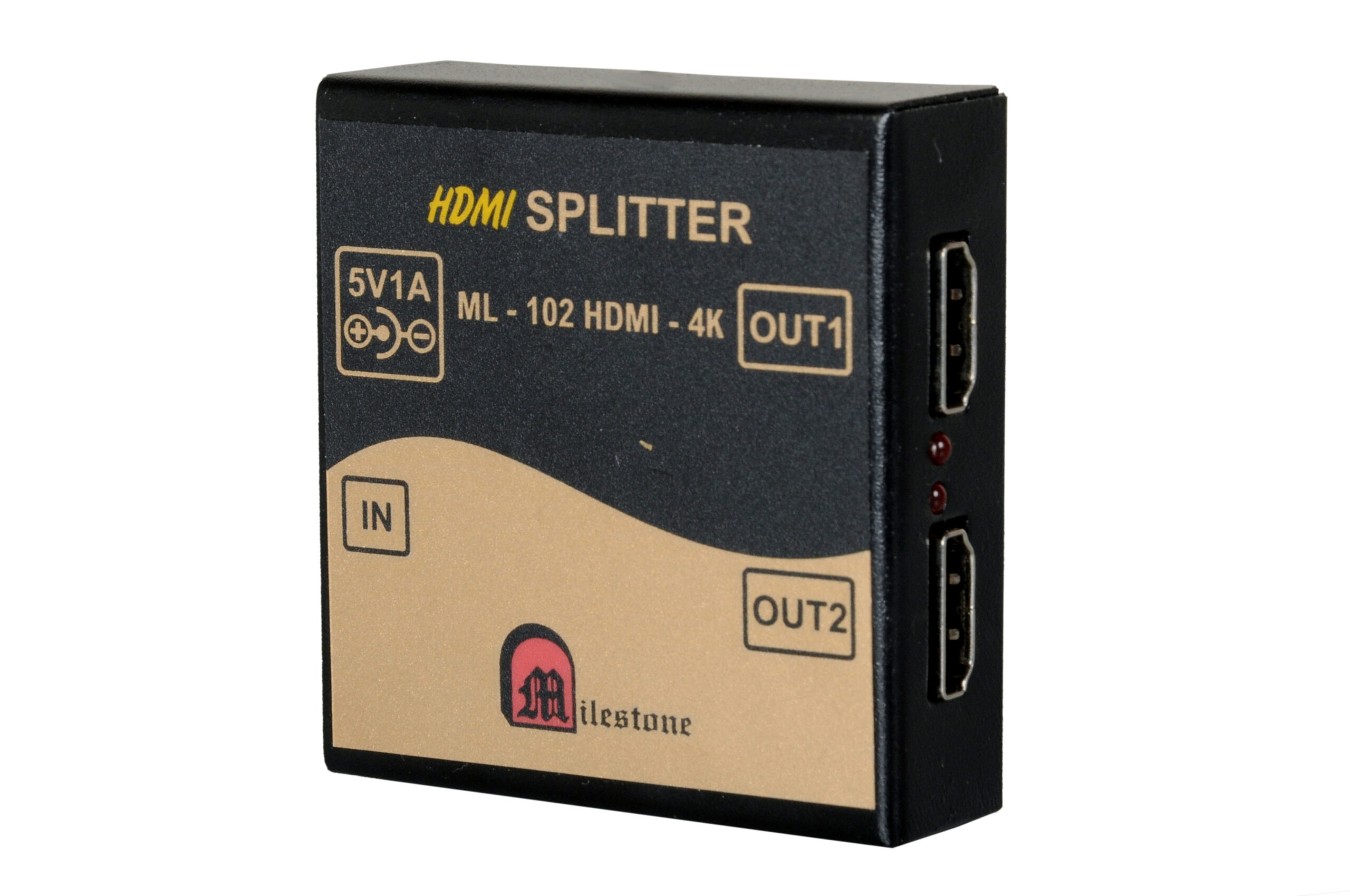
The ML-102HDMI-4K is a professional 1x2 HDMI splitter that distributes a single HDMI source...
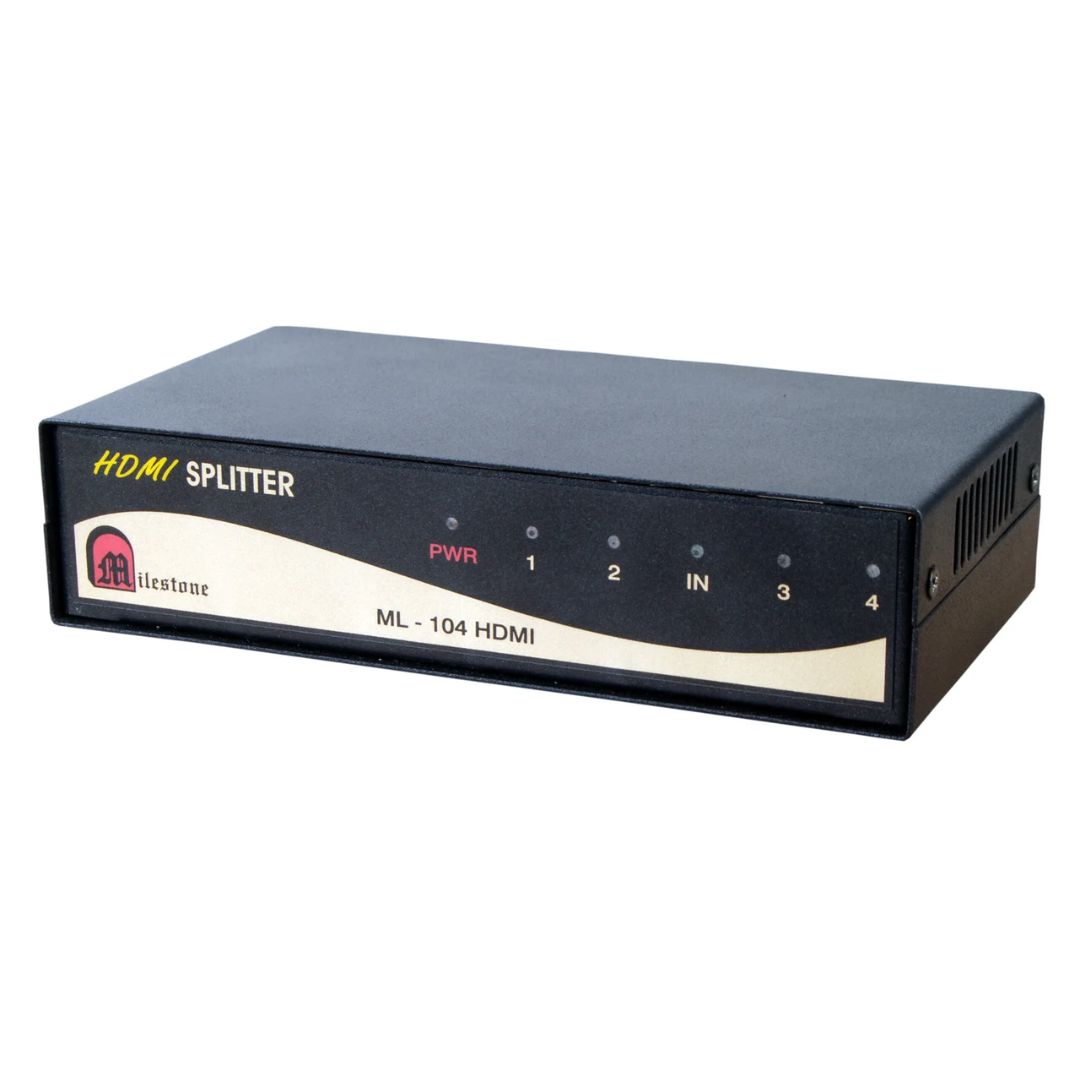
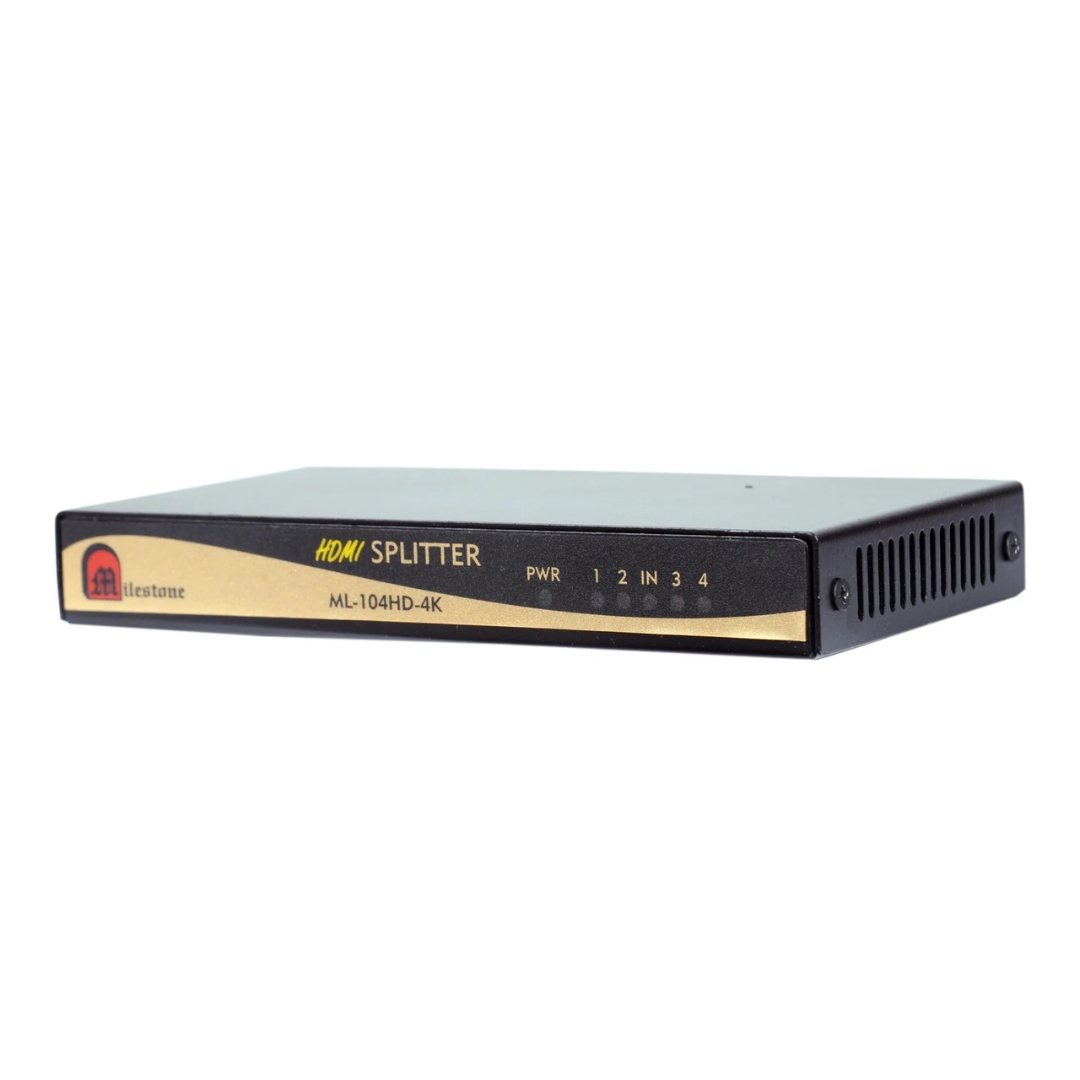
The ML-104HDMI-4K is a professional 1x4 HDMI splitter that distributes a single HDMI source...
Ready to order or have a specific requirement?
Our team responds within 24 hours. Bulk pricing, custom solutions, and pan-India delivery are available. Talk to an engineer directly about your setup.