
MILESTONE ELECTRONICS
ML 201MMS (VGA Audio)
VGA / Audio Switcher
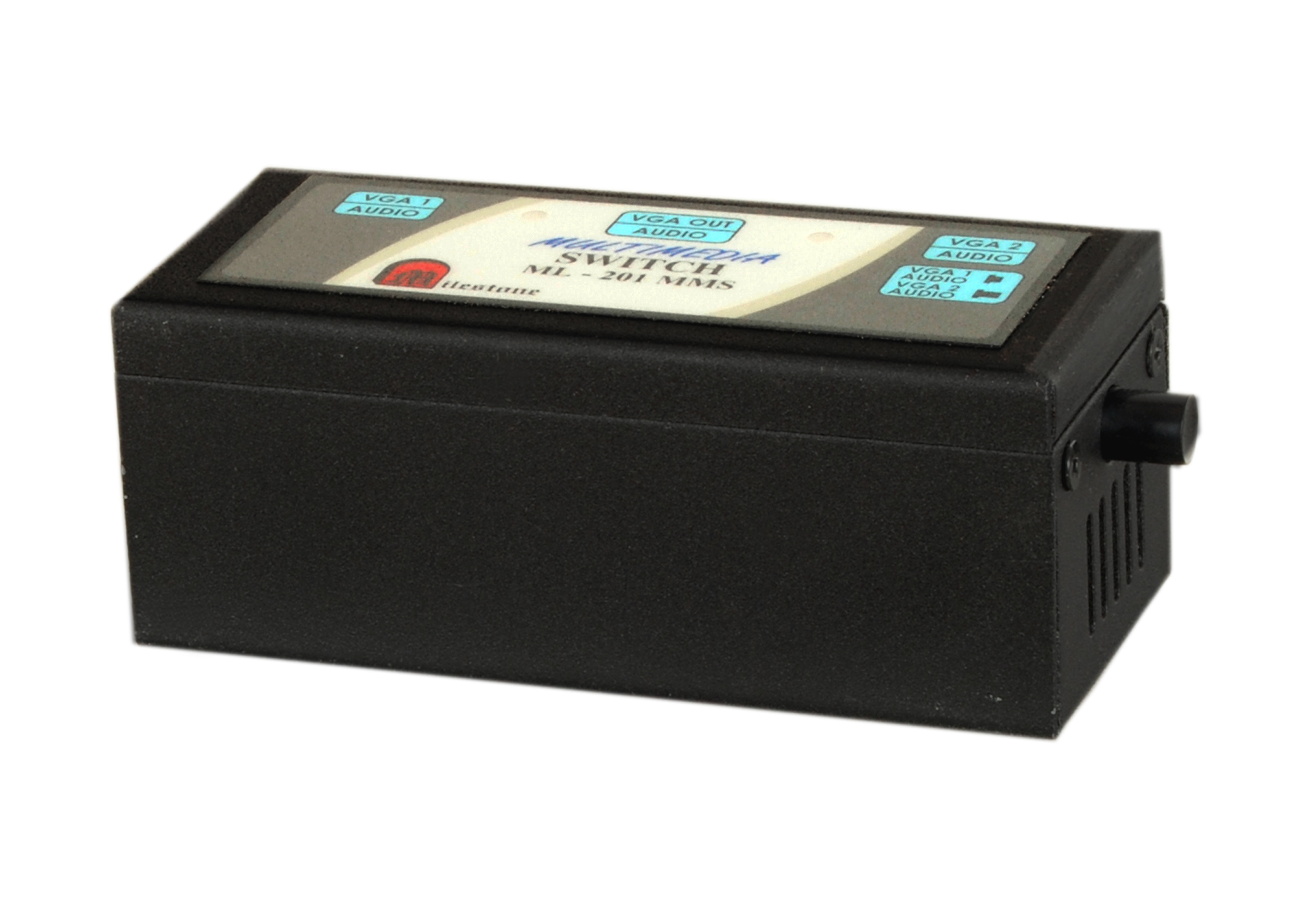
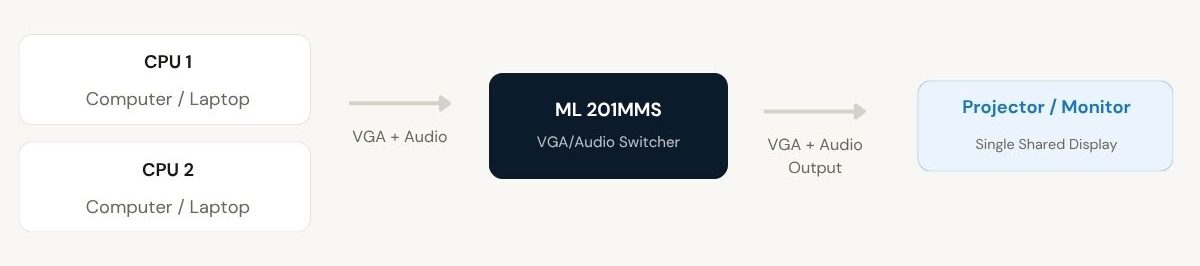
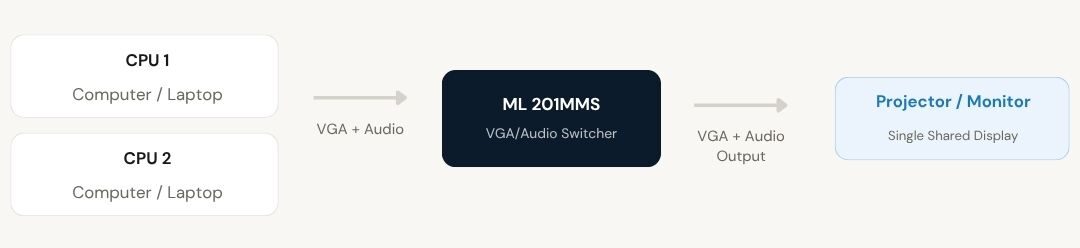
Milestone’s VGA/Audio Switcher ML 201MMS allows two computers or laptops to share a single projector or monitor along with their audio output. Plug and play installation with multiple channel selection methods including local keypad, remote keypad, contact closure and RS232C interface.
- Connects 2 CPUs to a single VGA output, fully compatible with VGA, SVGA and EVGA monitors
- Channel selection via local keypad, optional remote keypad, remote contact closure or RS232C interface
- LED indication shows the active working channel at all times
- RS232C feedback confirms the selected channel on the serial port after each switching event
- Remote contact closure and keypad operational at up to 50 metres via D9 male connector
Max Resolution
1080p Full HD
Audio Input
Stereo Analogue
Output
Single HDMI
- In-house manufactured
- 2,000+ clients served
Product Overview
What the ML 201MMS VGA/Audio Switcher delivers
The VGA/Audio Switcher ML 201MMS from Milestone Electronics allows two computers or laptops to share a single projector or monitor, along with their associated audio output. The device is fully compatible with VGA, SVGA and EVGA monitors and is designed for plug and play use, requiring no software installation or configuration at the host or display.
Channel selection is available through four independent methods: the local front panel keypad, an optional remote keypad, remote contact closure via a D9 male connector at the rear panel, and RS232C serial interface. The remote contact closure and remote keypad operate at distances of up to 50 metres, allowing channel switching from a convenient operator position without physical access to the switcher unit. An optional RS422/RS485 interface is also available for installations requiring longer serial runs or multi-drop topologies.
Whenever a channel is selected, the switcher provides a confirmation feedback on the RS232 port, transmitting the channel identifier back on pin 2 of the D9 female connector. This feedback mechanism allows a control system or automation setup to confirm the active state of the switcher without separate monitoring hardware. Communication parameters are fixed at 9600 baud, no parity, 8-bit data and 1 stop bit.
The unit is housed in a tabletop enclosure with dimensions of 288 x 130 x 52 mm and weighs 1400 g. It operates from a 230 V AC mains supply and carries LED indicators on the front panel for the active channel and power status. The operating distance of the VGA signal path between the switcher and the connected display is rated at 30 metres.
Input Connectors
Output Connectors
Remote Distance
Operating Distance
Mains Input
RS232 Baud Rate
Dimensions
Weight
Need a quote?
Our team responds within 24 hours with a tailored quote for your project or bulk order.
Key Features
2-input VGA and Audio sharing with flexible channel control
Share one VGA projector or monitor between two computers with local, remote and RS232 channel selection, LED status indication, and RS232C feedback confirmation on every switch event.
2-CPU to Single Display Sharing
The ML 201MMS connects two computers or laptops to one projector or monitor, including audio, allowing both sources to share the same display without cable swapping or manual reconnection.
- 2 VGA inputs, 1 VGA output
- Fully compatible with VGA, SVGA and EVGA monitors
- Audio sharing included alongside VGA signal
Plug and Play Installation
The switcher requires no software drivers or configuration. Connecting the VGA cables and powering the unit is sufficient to begin operation. Channel selection is immediately available through the front panel keypad.
- No driver installation required
- Operational immediately on power-up
- Table top form factor, 288 x 130 x 52 mm
Multiple Channel Selection Methods
The active channel can be selected through four independent methods: the front panel keypad, an optional remote keypad, remote contact closure via the rear D9 male connector, or the RS232C serial interface. Remote operation is supported up to 50 metres from the unit.
- Local front panel keypad for channel 1 or 2
- Optional remote keypad or contact closure at D9M connector
- RS232C interface for automated or system-integrated control
RS232C Interface with Feedback
Channel selection via the RS232C interface uses simple ASCII commands. After each switching event, the unit transmits a confirmation back on pin 2 of the D9 female connector, allowing a control system to verify the active channel without polling. Communication is fixed at 9600 baud, no parity, 8-bit, 1 stop bit.
- Channel 1 selected by sending decimal 1 followed by exclamation mark (31, 21 ASCII)
- Channel 2 selected by sending decimal 2 followed by exclamation mark (32, 21 ASCII)
- Feedback sent on pin 2 after every channel change
LED Channel and Power Indication
Front panel LED indicators display the currently active channel and power status at all times, giving operators an immediate visual confirmation of which source is routed to the display without needing to check the display output directly.
- Individual LEDs for channels 1 and 2
- Dedicated power LED
- Visible from the front panel at the operator position
Optional RS422/RS485 Interface
In addition to the standard RS232C interface, an optional RS422/RS485 serial interface is available for installations requiring longer serial cable runs or multi-drop control configurations. This makes the ML 201MMS suitable for integration into larger facility control systems.
- Optional RS422/RS485 interface on request
- Suited to longer serial cable runs beyond RS232 limits
- Compatible with multi-drop serial topologies
Installation
Step-by-step connection procedure
The ML 201MMS VGA/Audio Switcher is designed for plug and play installation. Follow the connection sequence below to set up the unit for local or remote channel switching.
01
Connect the Source Computers
Connect each computer or laptop VGA output to the D15F input connectors on the rear panel of the ML 201MMS. Input 1 corresponds to channel 1 and input 2 to channel 2. Connect the audio outputs of each source to the corresponding audio inputs on the unit.
02
Connect the Display Device
Connect the projector or monitor to the D15F output connector on the rear panel. Connect the display audio input to the audio output of the switcher. The operating distance between the switcher and the display is rated at 30 metres.
03
Connect Optional Remote Control
If remote operation is required, connect Milestone's remote keypad or any compatible contact closure device to the D9 male connector on the rear panel. To select channel 1, short pin 1 to ground (pin 9). To select channel 2, short pin 2 to ground. The remote device may be located up to 50 metres from the unit.
04
Connect RS232C for Automated Control (Optional)
For RS232C control, connect the control system serial output to pin 3 (Rx) of the D9 female connector on the rear panel, with ground on pin 5. Set the control system to 9600 baud, no parity, 8-bit, 1 stop bit. Send the relevant channel command and confirm via the feedback signal on pin 2.
Where the ML 201MMS VGA/Audio Switcher performs
Designed for professional environments where two computers must share a single VGA display and audio output with reliable channel switching and optional remote or automated control.
Corporate Boardrooms and Conference Rooms
Allow two presenters to connect their laptops and share one projector or display, switching between sources instantly without disconnecting cables. Suitable for meetings where multiple presenters need to use the same screen.
Classrooms and Training Centres
Enable an instructor and a student or co-trainer to share the same projector output. The trainer can switch between their own machine and the student's system for demonstrations or assessments without interrupting the session.
Control Rooms with Dual Operator Positions
Route the active workstation to a shared display monitor in control room environments where two operator positions must share one screen. Channel selection via contact closure or RS232C integrates cleanly with existing control system infrastructure.
AV Presentation Setups
Suitable for event venues and auditoriums where a primary presentation computer and a backup or secondary content computer must share one large display output. Switching is instant and includes audio, maintaining continuity across source changes.
Automated and System-Integrated Environments
Where AV switching must be triggered by a building management system, automation controller or scheduling software, the RS232C interface with feedback confirmation allows the ML 201MMS to be integrated as a controlled device in a larger system.
Multi-Tenant Office and Hot-Desk Spaces
In shared workspaces where two users alternate at the same desk and monitor, the ML 201MMS provides a clean, tool-free method to switch the active computer connection to the shared display, with optional remote keypad for convenience.
Full specification sheet
- Model
- Connectors
- Indication and Selection
- Remote Control
- RS232C Interface
- Signal and Power
- Physical
FAQs about the VGA/Audio Switcher ML 201MMS
What is the ML 201MMS VGA/Audio Switcher used for?
The ML 201MMS VGA/Audio Switcher allows two computers or laptops to share a single projector or monitor, along with their audio output. It is used in situations where two sources must share one display without manual cable swapping, with the active source selected through the front panel keypad, a remote keypad, contact closure, or RS232C serial command.
Which monitor types are compatible with the ML 201MMS?
The ML 201MMS is fully compatible with VGA, SVGA and EVGA monitors and projectors. Any display device with a standard D15 female VGA input connector can be connected to the output of the switcher.
How is channel selection performed on the ML 201MMS?
Channel selection can be performed through four independent methods: the local front panel keypad, an optional remote keypad, remote contact closure via the D9 male connector on the rear panel, and the RS232C serial interface. The remote keypad and contact closure support operation at up to 50 metres from the unit. RS422/RS485 interface is also available optionally for longer serial runs.
How does remote contact closure channel selection work?
The rear panel carries a D9 male connector for remote contact closure. To select channel 1, pin 1 is shorted to ground (pin 9). To select channel 2, pin 2 is shorted to ground (pin 9). This can be done using Milestone’s remote keypad or any compatible contact closure switch device located up to 50 metres away.
What are the RS232C commands for switching channels?
To select channel 1 via RS232C, send the command 1! (ASCII values 31 and 21). To select channel 2, send 2! (ASCII values 32 and 21). Commands are sent to pin 3 (Rx) of the D9 female connector, with ground on pin 5. Communication settings are 9600 baud, no parity, 8-bit data and 1 stop bit.
Does the switcher confirm which channel is active after a selection?
Yes. After each channel selection, the ML 201MMS sends a feedback signal on pin 2 of the D9 female RS232 connector. When channel 1 is selected, the switcher sends 1! on pin 2. When channel 2 is selected, it sends 2!. This feedback allows a control system or automation setup to verify the active channel state without separate monitoring.
What does the LED indication on the front panel show?
The front panel of the ML 201MMS carries individual LED indicators for channels 1 and 2, plus a power LED. The LED corresponding to the currently active channel remains illuminated, giving operators an immediate visual confirmation of which source is routed to the shared display at any time.
What is the maximum cable length between the switcher and the display?
The VGA signal operating distance between the ML 201MMS and the connected display is rated at 30 metres. The remote contact closure and remote keypad connections support operation at up to 50 metres from the unit via the D9 male connector on the rear panel.
Is any software or driver required to operate the ML 201MMS?
No software or driver installation is required. The ML 201MMS is a plug and play device. Connecting the VGA cables from the source computers and the display, then powering the unit from a 230 V AC supply, is sufficient to begin operation. Channel switching is available immediately through the front panel keypad.
Can the ML 201MMS be integrated into a larger AV control system?
Yes. The RS232C interface on the ML 201MMS allows it to be controlled directly by any building management system, room control processor or scheduling software that supports RS232C serial output. The feedback signal on pin 2 of the D9 female connector allows the control system to confirm the active channel. An optional RS422/RS485 interface is also available for integration into multi-drop serial control topologies over longer cable runs.
Products you may also need
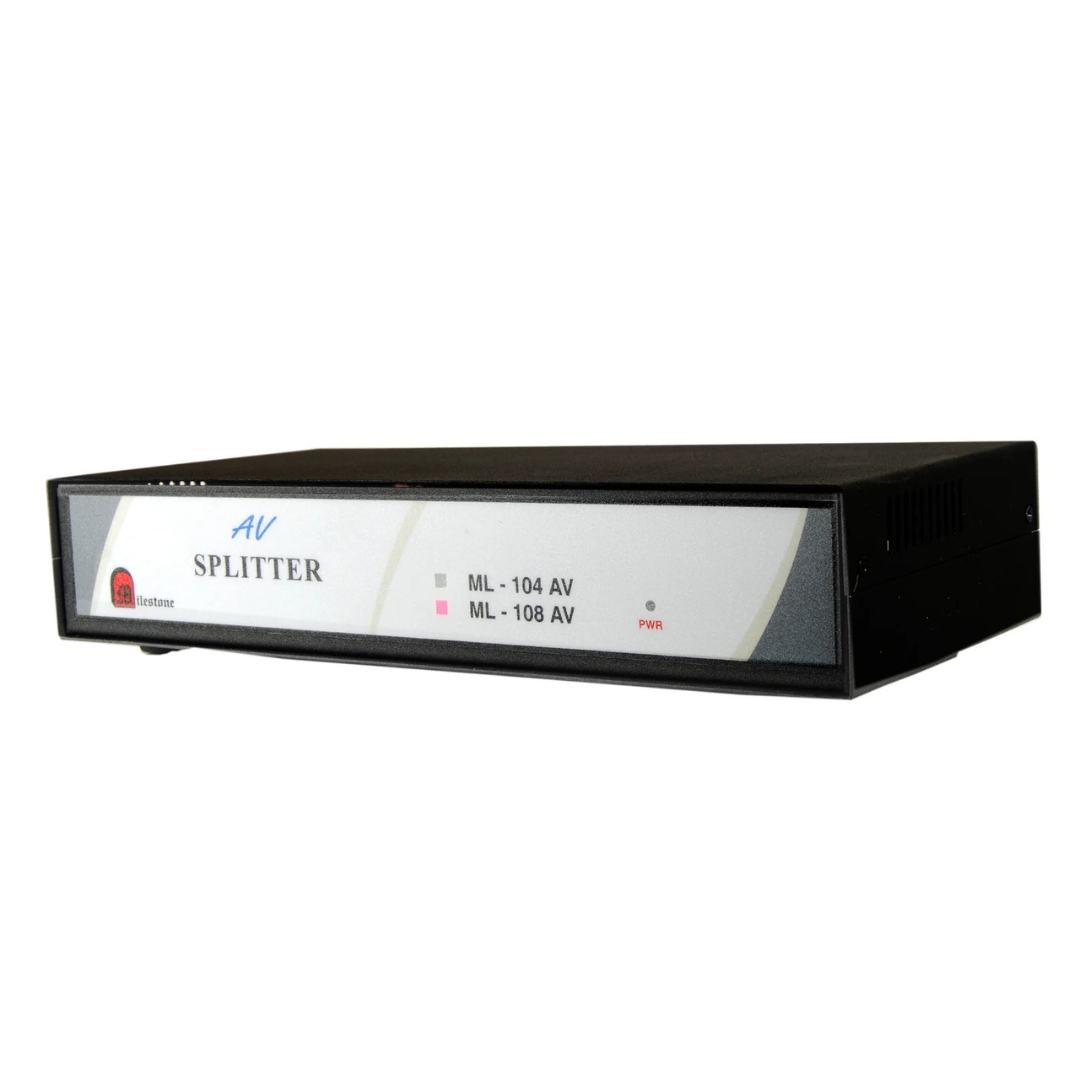
The ML 108 AV distributes a single composite audio and video source to eight...
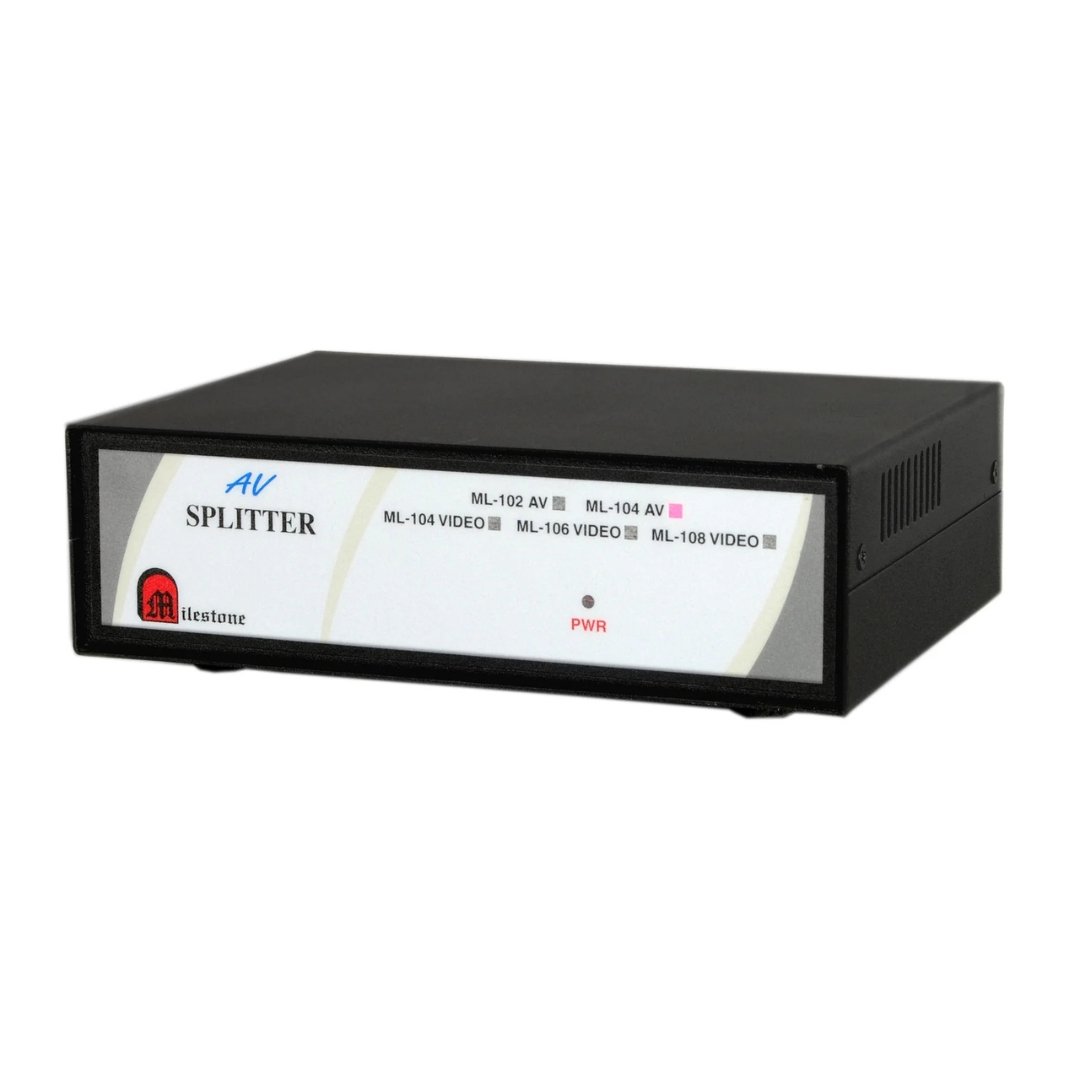
The ML 102 AV distributes one composite audio and video input to two simultaneous...
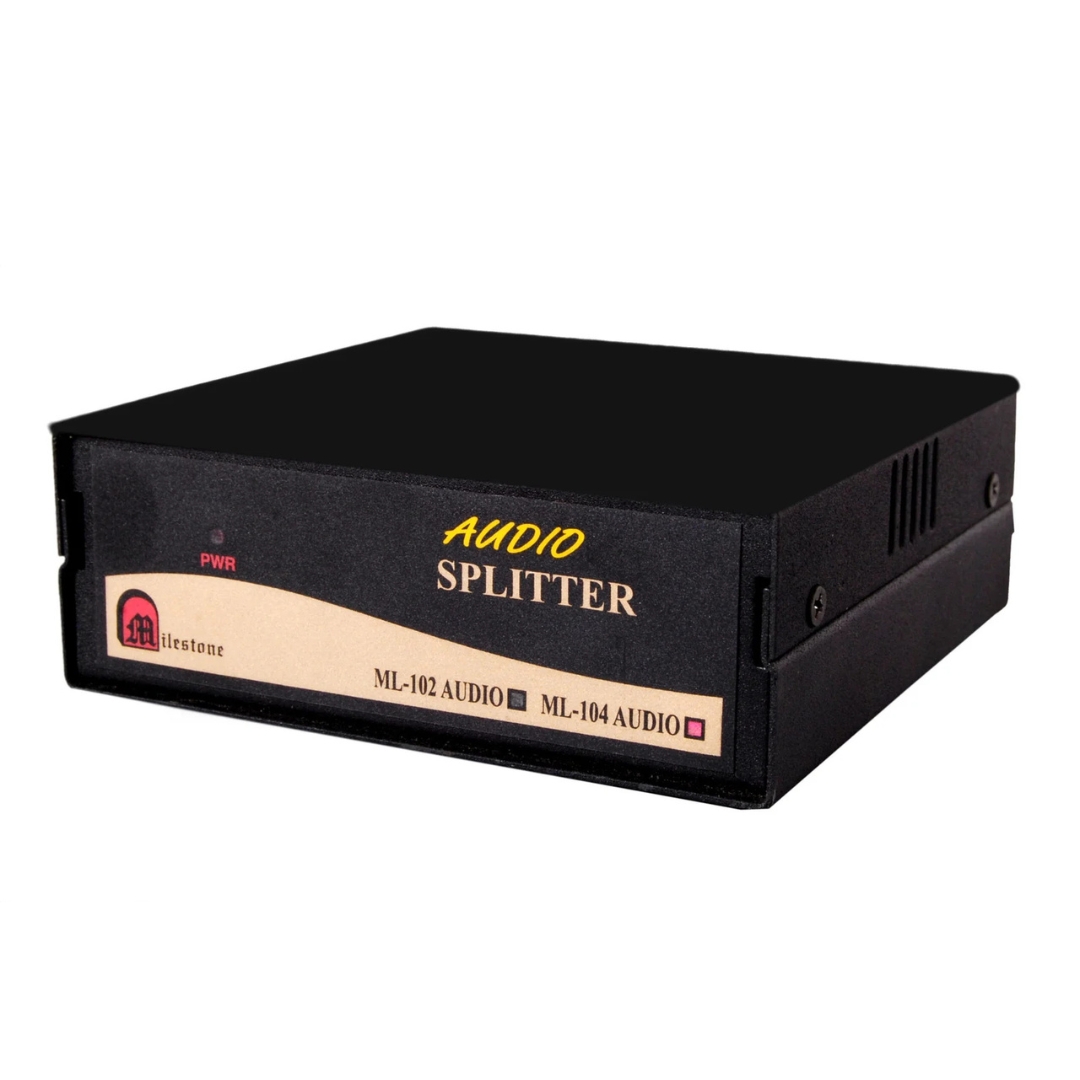
The ML 104 Audio Splitter distributes a single RCA audio source to four outputs...
Ready to order or have a specific requirement?
Our team responds within 24 hours. Bulk pricing, custom solutions, and pan-India delivery are available. Talk to an engineer directly about your setup.