
HDMI Series
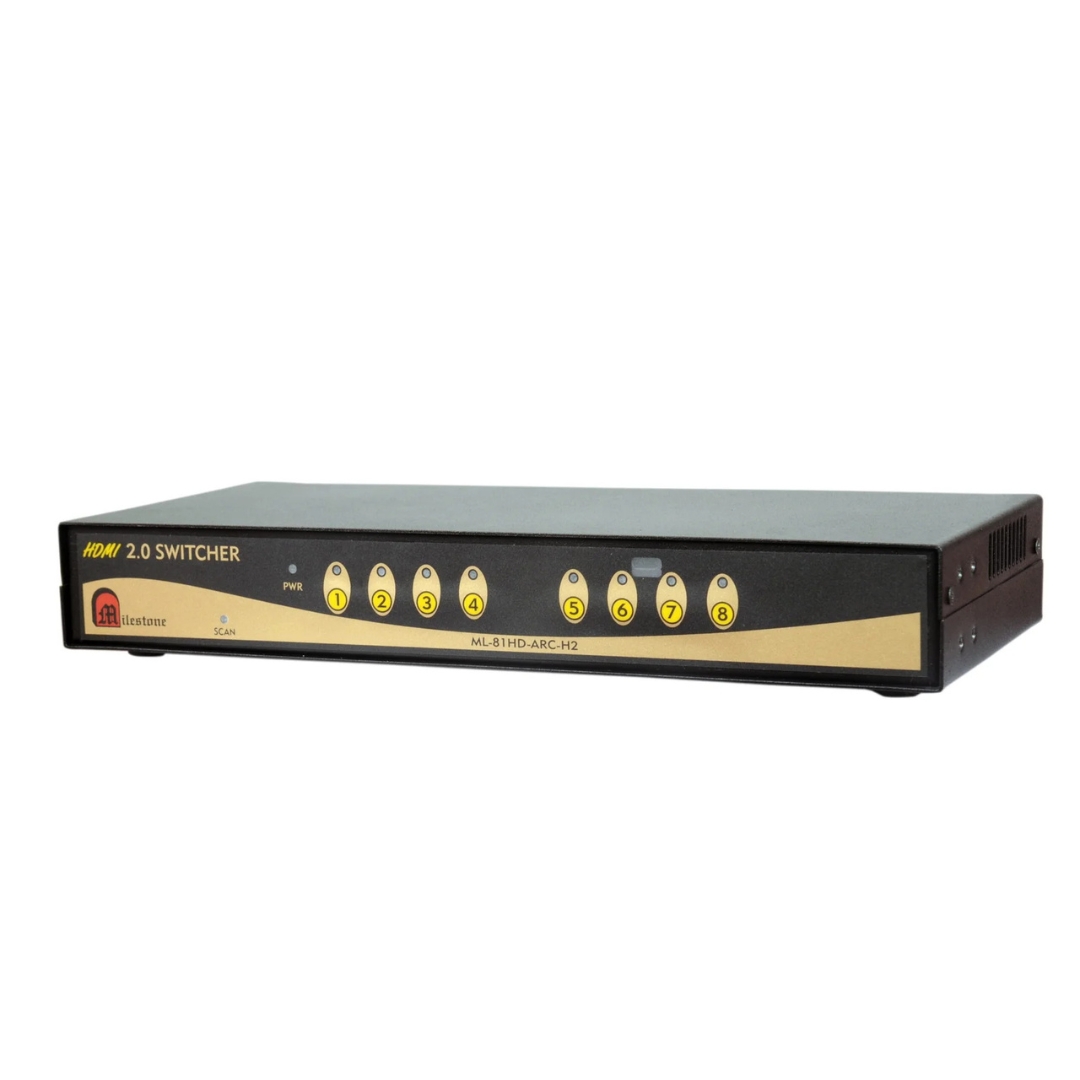
8×1 HDMI 2.0 Switcher with ARC and Audio Deembedding
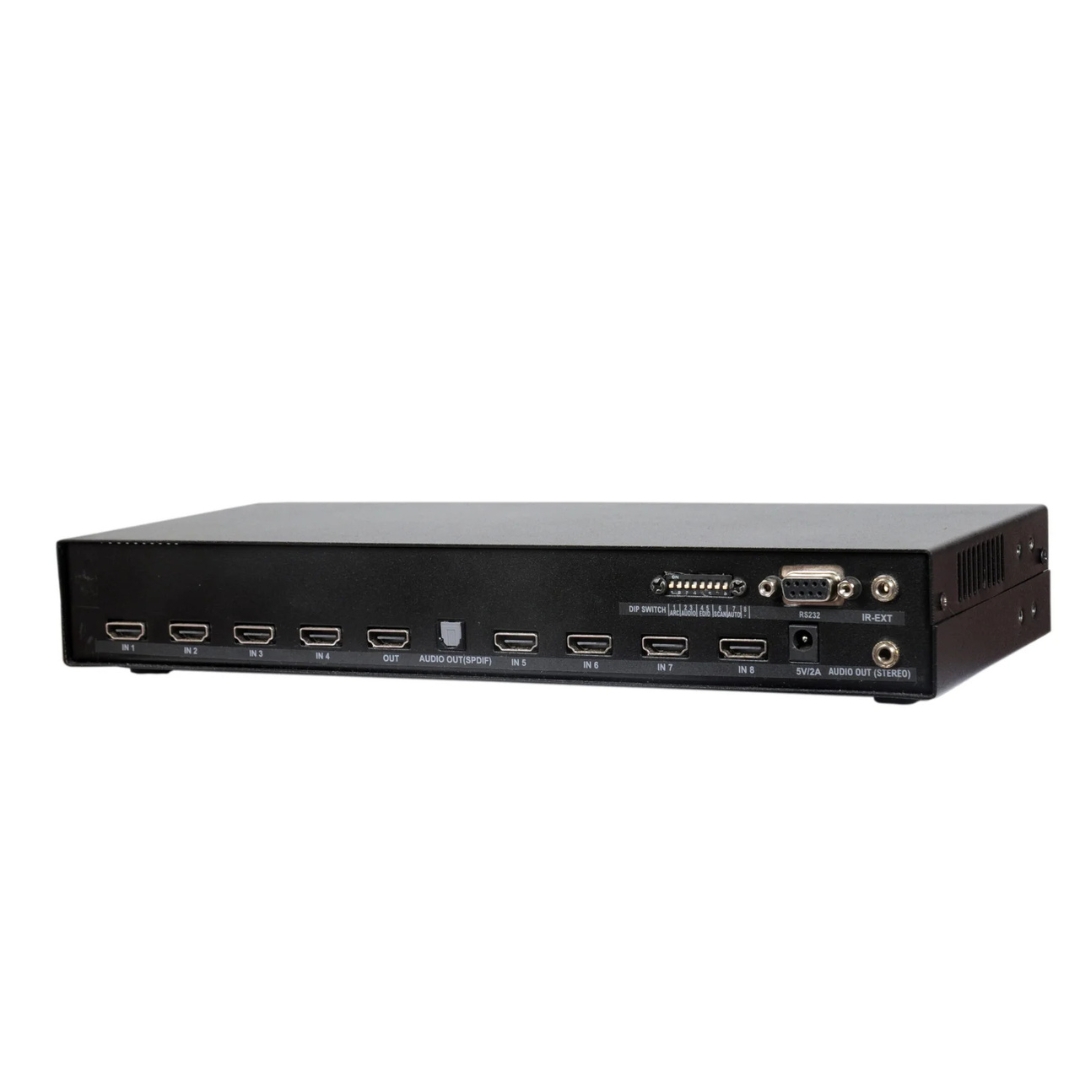
The ML-81HD-ARC-H2 is a professional 8-input HDMI 2.0 switcher supporting 4K@60Hz 4:4:4 and 18Gbps bandwidth. It features ARC, EDID management, audio deembedding through analog stereo and optical SPDIF outputs, and multiple control options for structured commercial AV deployments.
- Switch between eight HDMI sources with stable 4K@60Hz 4:4:4 output
- Audio deembedding through analog stereo and optical SPDIF outputs
- Built-in ARC support and EDID management for stable multi-source environments
- Selectable audio modes including 2.1, 5.1, pass-through, and ARC enable/disable
- Manual, auto, scan switching modes with IR remote and RS232 control
Yes
Max Resolution
1080p Full HD
Audio Input
Stereo Analogue
Output
Single HDMI
- In-house manufactured
- 2,000+ clients served
Product Overview
What makes the ML-81HD-ARC-H2
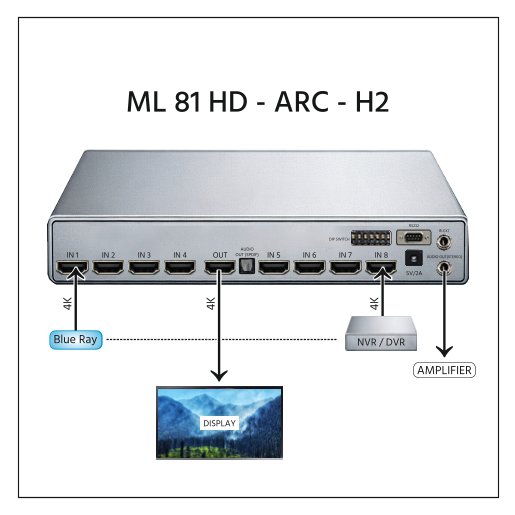
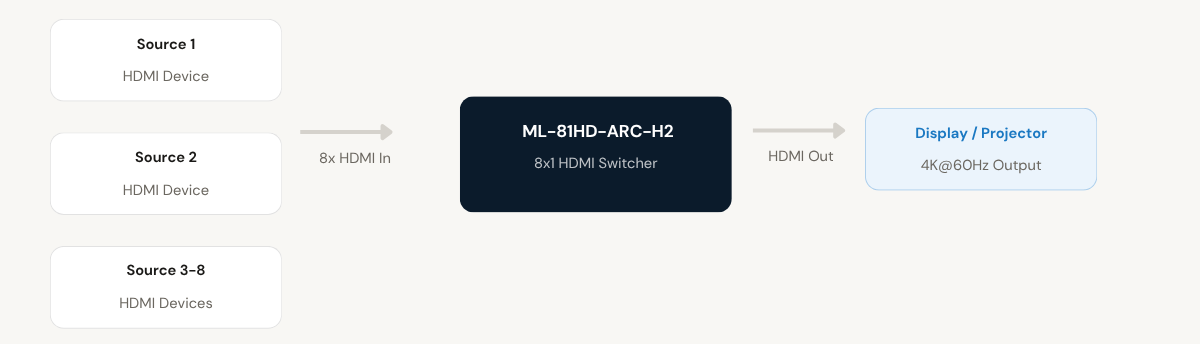
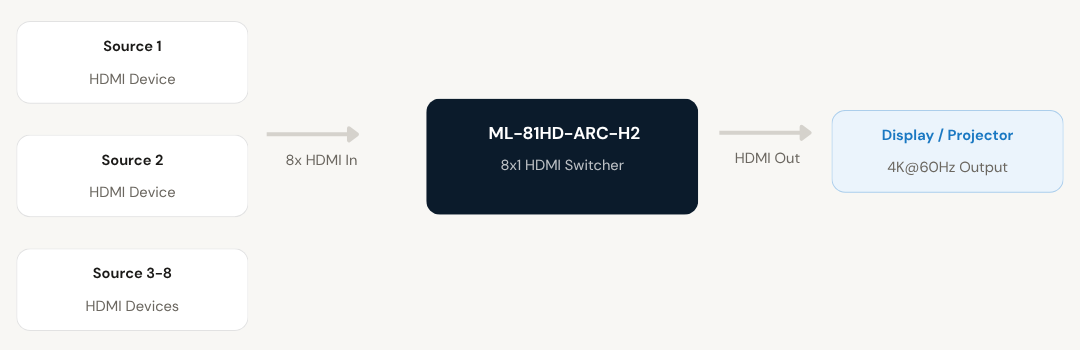
The ML-81HD-ARC-H2 allows switching between eight HDMI source devices and displaying output on a single HDMI display or projector. With support for 4K@60Hz 4:4:4 chroma sampling and full 18Gbps bandwidth, it maintains signal integrity across demanding video formats without compression, making it suitable for high-resolution commercial AV environments.
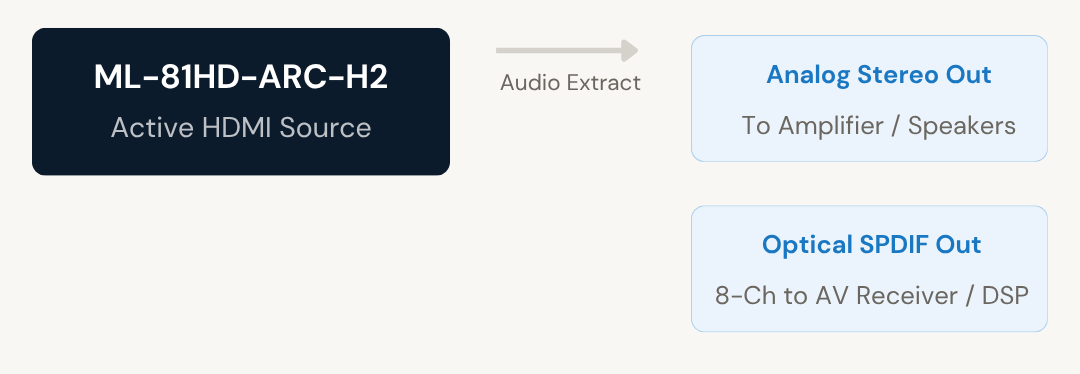
In addition to video switching, the unit includes dual audio deembedded outputs: one analog stereo audio output and one optical 8-channel SPDIF digital audio output. This enables flexible audio routing to amplifiers, DSP systems, AV receivers, and sound reinforcement setups independent of the HDMI display.
The HDMI output supports ARC functionality, allowing audio from a connected display to return to external sound systems through the switcher. Audio output can be configured for 2.1 channel, 5.1 channel, pass-through mode, or ARC enable/disable, ensuring compatibility with different audio processing systems.
Built-in EDID management ensures stable communication between source and display devices, preventing resolution mismatch and audio compatibility issues that are common in multi-source HDMI environments. Control options include front panel manual switching, auto mode with fallback, scan mode with adjustable timing, IR remote control, extended IR sensor support for concealed installations, and RS232 integration for third-party automation platforms.
Inputs
Need a quote?
Our team responds within 24 hours with a tailored quote for your project or bulk order.
Key Features
Built for professional AV distribution
Eight HDMI inputs. 4K@60Hz output. Independent audio routing. Complete control flexibility for commercial installations.
4K@60Hz 4:4:4 Video Performance
The ML-81HD-ARC-H2 supports Ultra HD resolution up to 4Kx2K@60Hz with 4:4:4 chroma sampling, ensuring detailed image rendering for high-definition content and data visualization. Full 18Gbps bandwidth maintains signal integrity without compression.
- 4Kx2K@60Hz with 4:4:4 chroma sampling
- Full 18Gbps high bandwidth support
- 3D video format compatibility
Audio Deembedding
Extract audio from HDMI inputs and route it independently through a stereo analog output or an 8-channel optical SPDIF output. This enables connection to external amplifiers, DSP systems, and AV receivers without dependency on the HDMI display.
- 1x analog stereo audio output
- 1x optical 8-channel SPDIF digital audio output
- Independent audio routing from HDMI chain
ARC and Selectable Audio Modes
The HDMI output supports ARC functionality, allowing audio from a connected display to return to external sound systems through the switcher. Audio output mode is fully configurable to match the connected audio processing system.
- 2.1 channel audio mode
- 5.1 channel audio mode
- Pass-through mode and ARC enable/disable
EDID Management
Built-in EDID management ensures stable communication between source and display devices. It prevents resolution mismatch and audio compatibility issues, which are common in multi-source HDMI environments with diverse source equipment.
- Prevents resolution mismatch across all eight inputs
- Eliminates audio compatibility issues
- Stable handshake in complex multi-source setups
Flexible Switching Modes
The switcher supports manual front panel control, auto mode that switches to active input sources with fallback functionality, and scan mode that sequentially cycles through inputs with adjustable timing, suitable for display and demo environments.
- Manual switching via front panel
- Auto mode with auto fallback
- Scan mode with adjustable timing
IR Remote and RS232 Control
The unit includes a built-in IR remote control with provision for an extended IR sensor, enabling switching control from concealed installation positions. The RS232 port enables integration with third-party control systems and automation platforms for enterprise-level AV control.
- Built-in IR remote control
- Extended IR sensor for concealed installations
- RS232 for automation system integration
Installation
Rack-mounted and structured AV integration
The ML-81HD-ARC-H2 is engineered for rack-mounted AV systems, supporting both standalone operation and centralized AV automation environments.
01
Standalone Rack Installation
The ML-81HD-ARC-H2 is designed for rack-mounted deployment in boardrooms, auditoriums, and hospitality venues. Up to eight HDMI source devices connect to the unit's inputs, with a single HDMI output feeding the display or projector. Audio deembedded outputs connect to amplifiers, AV receivers, or DSP systems independently of the video path. Control is available via front panel buttons, IR remote, or extended IR sensor for installations inside equipment cabinets.
02
Centralized AV Automation Integration
The RS232 interface enables integration with third-party AV control systems and automation platforms, allowing the switcher to be operated as part of a centralized room control setup. This is particularly relevant for enterprise control rooms, command centers, and digital signage systems where switching commands are issued by a central processor. The multiple control modes ensure compatibility with diverse automation architectures without requiring additional hardware.

Where the ML-81HD-ARC-H2 performs
Designed for commercial AV environments requiring reliable multi-source switching, independent audio routing, and integration with third-party control systems.
Corporate Boardrooms
Manage multiple presentation sources with centralized HDMI switching and independent audio routing. The ML-81HD-ARC-H2 allows AV integrators to connect laptops, media players, video conferencing systems, and other sources to a single display with full audio flexibility.
Auditoriums and Conference Venues
Switch between media sources while distributing audio to external sound reinforcement systems via the analog stereo or optical SPDIF outputs. ARC support enables audio from the main display to return to the room's sound system without additional cabling.
Control Rooms
Efficiently manage multiple HDMI inputs with stable 4K output in mission-critical monitoring environments. RS232 integration allows the switcher to be operated from a central control processor as part of a larger room automation or command center system.
Educational Institutions
Switch between teaching devices including laptops, document cameras, and media players while maintaining structured AV integration. Scan mode enables automatic cycling between sources for digital display boards and campus information systems.
Hospitality and Banquet Halls
Switch between event media sources while distributing audio to the venue sound system through the deembedded outputs. The auto mode and IR remote control enable non-technical staff to manage sources without access to equipment racks.
Digital Signage Systems
Utilize the scan mode to sequentially cycle through multiple content sources with adjustable timing for multi-source digital signage deployments. The stable 4K output and EDID management ensure consistent display performance across diverse source content.
Full specification sheet
- Video Specifications
- Switching
- Audio
- Control
- EDID Management
- Suitable Environments
FAQs about the ML-81HD-ARC-H2
What is the primary function of the ML-81HD-ARC-H2?
The device allows switching between eight HDMI input sources to one display while supporting high-resolution video and independent audio routing.
How does audio deembedding work on this switcher?
Audio from HDMI inputs can be extracted and routed separately through analog stereo or optical SPDIF outputs to external sound systems.
What video resolution and bandwidth does the switcher support?
It supports resolutions up to 4Kx2K@60Hz with 4:4:4 chroma sampling and full 18Gbps bandwidth for uncompromised video quality.
How does EDID management help in AV installations?
EDID management ensures correct communication between source devices and displays, preventing resolution mismatch and signal instability.
What control options are available for switching inputs?
The unit supports manual switching, auto mode, scan mode, IR remote control, extended IR sensor, and RS232 integration for automation systems.
What audio modes can be selected on the ML-81HD-ARC-H2?
The audio output can be configured for 2.1 channel, 5.1 channel, pass-through mode, or ARC enable/disable. This flexibility ensures compatibility with different amplifiers, AV receivers, and audio processing systems connected to the analog stereo or optical SPDIF outputs.
Can the switcher be integrated with third-party AV control systems?
Yes. The RS232 interface on the ML-81HD-ARC-H2 enables direct integration with third-party control systems and automation platforms. This makes it suitable for enterprise-level AV installations where switching commands are issued by a central control processor rather than manual operation.
Products you may also need
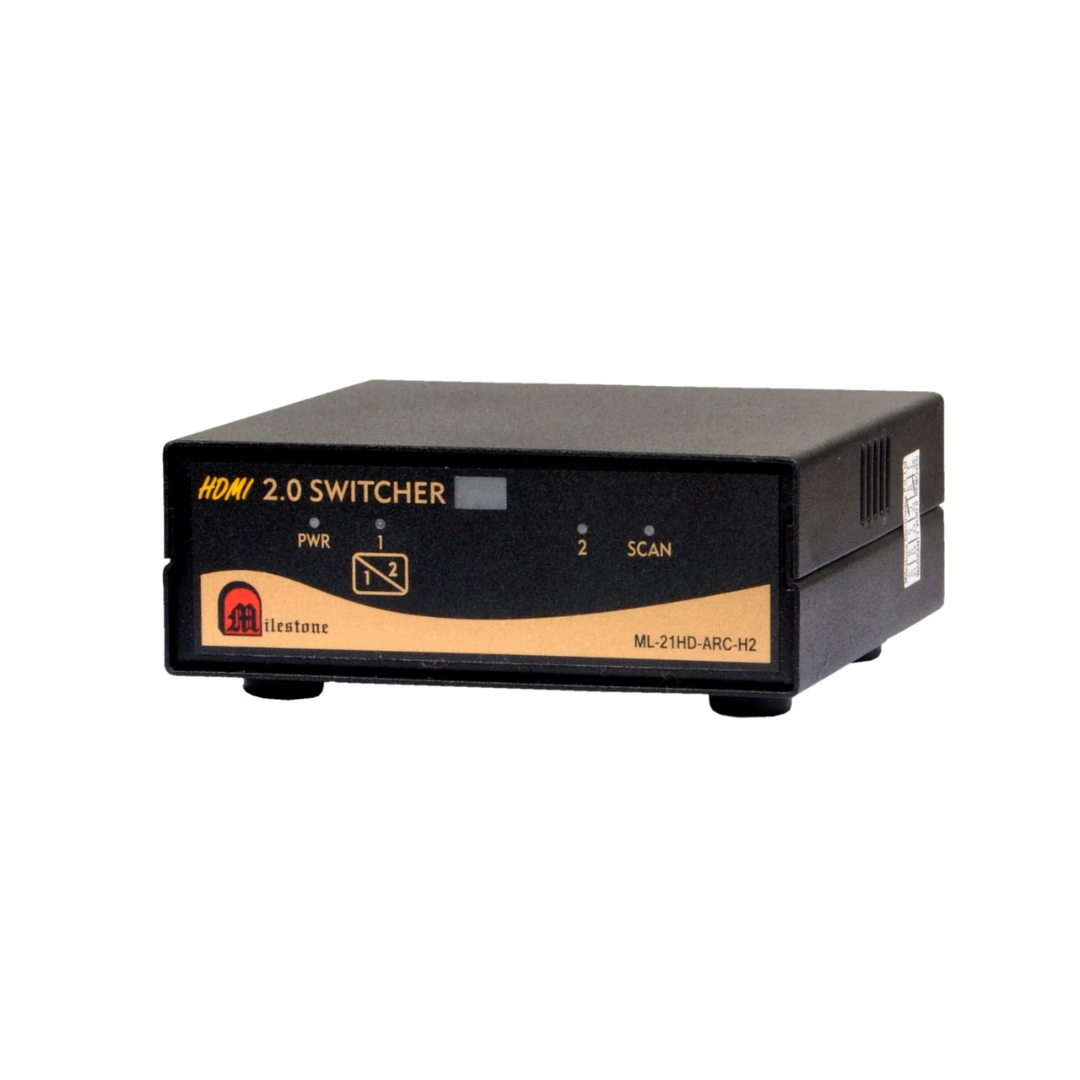
The ML-21HD-ARC-H2 enables switching between two HDMI 2.0 source devices while simultaneously extracting audio...
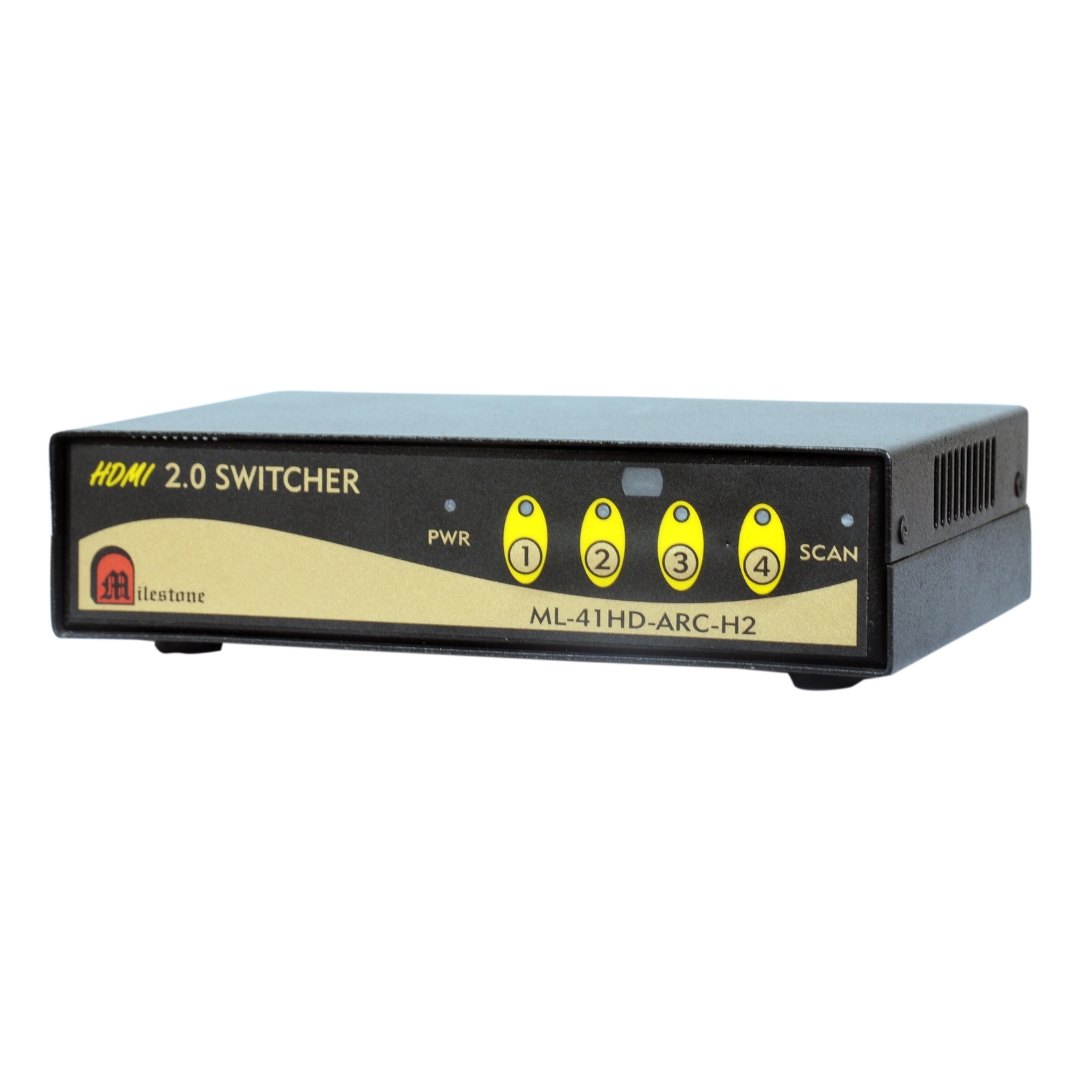
The ML-41HD-ARC-H2 is a 4-input HDMI switcher supporting 4K at 60Hz, ARC-enabled HDMI output,...
Ready to order or have a specific requirement?
Our team responds within 24 hours. Bulk pricing, custom solutions, and pan-India delivery are available. Talk to an engineer directly about your setup.